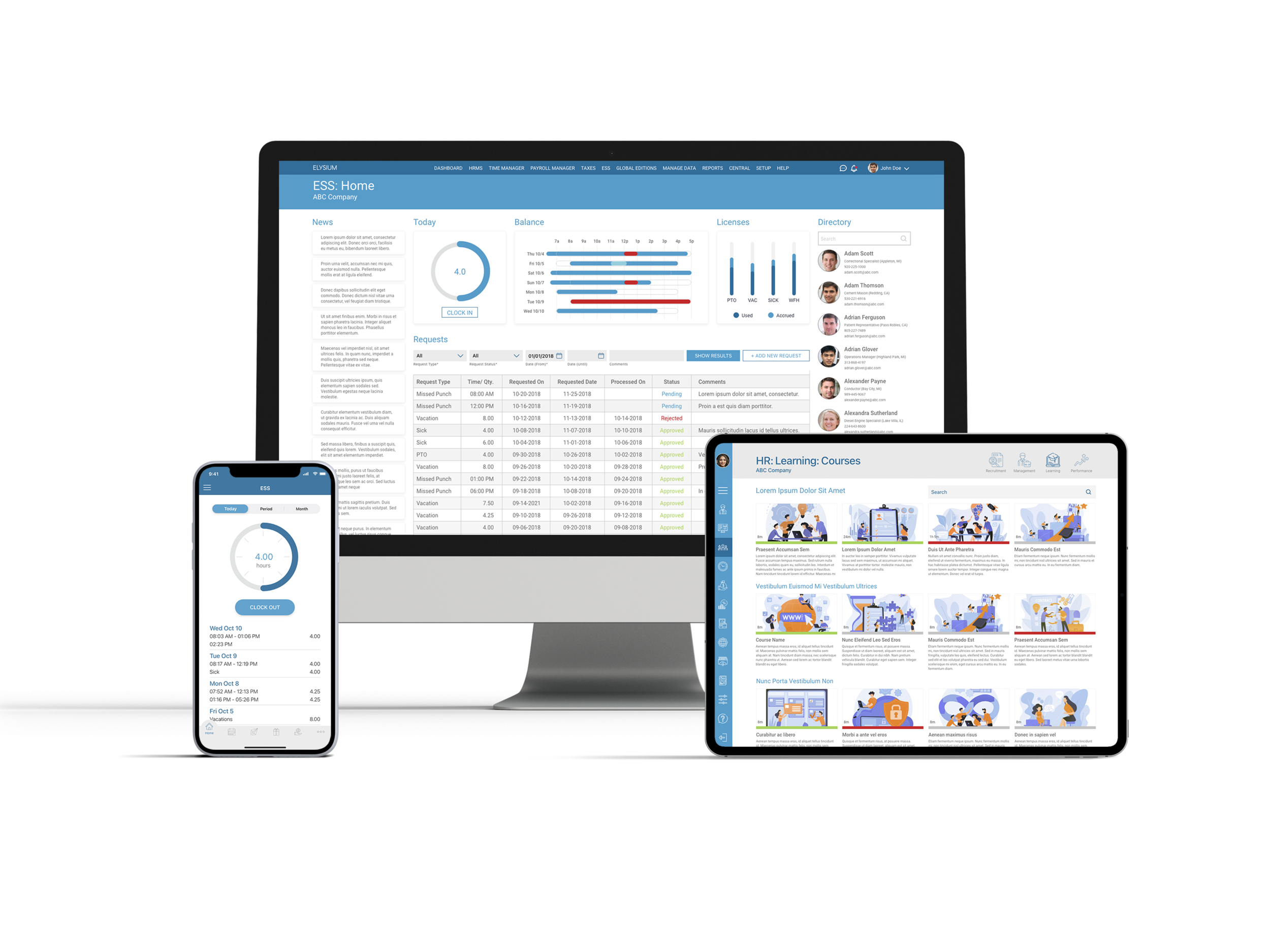
ELYSIUM ENTERPRISE
An all-in-one Human Resources System
overview
Elysium Enterprise is an all-in-one human resources application that was born in 2016 as a rebranding strategy of the company Intechsol.
ROLE
Product Owner

TIMELINE
2015-2021

TOOLS
Axure • Figma • XD
Illustrator • Photoshop
THE PROBLEM
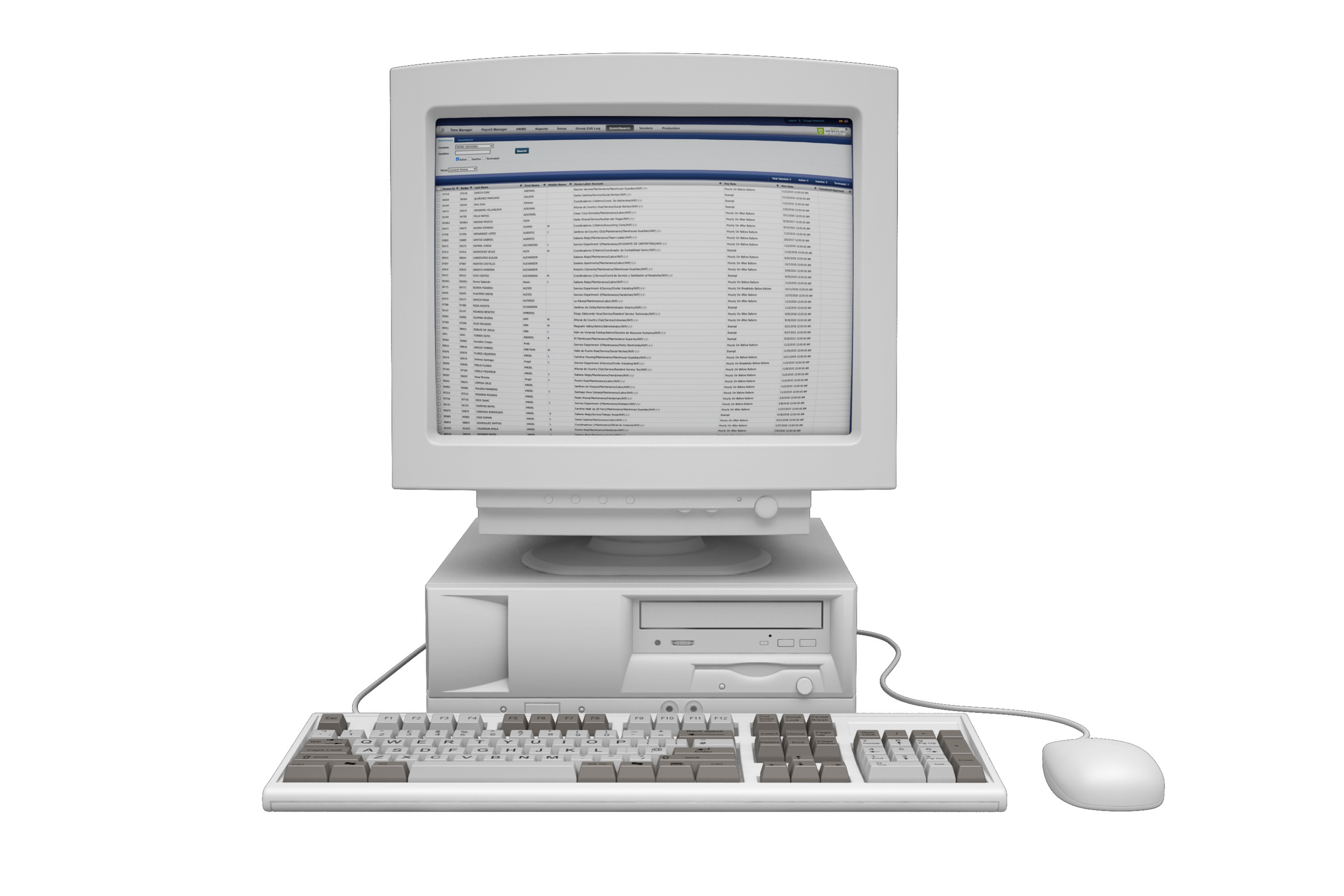
ITS4 was Intechsol's main product, which was born in 2009 as a response to the need to provide Puerto Rican companies with a complete HR system. An app that would allow small and medium companies to manage their employees, their assistance, and make their payments in an efficient, centralized way, at an accessible price, but more important, in compliance with the specific labor laws of the territory.
The company never thought of the rapid growth that they would have thanks to their product, and as the client portfolio expanded, customization and new functionalities requirements began to arrive.
It became necessary to create a completely new system. This time, it was important that correct user research is carried out and that the usability and aesthetics of the digital product be prioritized.
project goals
Elysium Enterprise is an all-in-one hr platform that lets you manage HR, payroll, benefits, and more.

Create an entirely new brand identity for the company that allows the company to grow its client portfolio.

Create an easy-to-use, enjoyable, and seamless process for all the core tasks like recruiting, hiring, managing, and paying employees.

Integrate the employee self-service and tax filing modules with the main application to create a seamless experience from the hiring process to paying and filing taxes in compliance with the law.

Add the new features of talent management, training to achieve an all-in-one human resources platform web-based.
DESIGN PROCESS
The process began with learning the client journey through market research and interviews to understand how competitors solve similar problems and users behaviors.
After analyzing the insights, I began conceptualizing the solution and creating user flows, hand drawen sketched and wireframes. From there I started to design and prototype the website, testing the ideas, validating methods, and receiving feedback in order to improve page usability by capturing visual input from users in real-time.research study
The initial objective of the research study was to understand the process that each of the users (according to their role within the company) carries out within the system. It was sought to identify which were the obstacles that the old application presented during its daily use. Another important point was to recognize which areas of opportunity the system had to make it easier for our clients to manage their employees and to simultaneously allow us to expand our client portfolio.

COMPETITOR ANALYSIS
Lack of Puerto Rico laws compliance
Multiple apps in order to perform the core tasks
Double data entry
Not providing a complete service that included filing the tax

CLIENT INTERVIEWS + SURVEYS
Time-consuming payroll
Lack of performance reviews
Lack of recruitment page
So many steps in order to perform daily repetitive tasks
Lack of notifications for important dates, deadlines, etc.
CLIENTS INTERVIEWS INSIGHTS

MULTIPLE PLATFORMS
“The software makes things exceedingly hard to use. From multiple redirects when logging in, to very slow page load times, to illogical navigational hierarchy, the app is not enjoyable to use.”

TIME-CONSUMING
“The product design is not user-friendly, so old that seems that it has been built upon layers of old software design and code. Payroll still requires a lot of manual input, which is tedious and time-consuming.”

REPETITIVE FIELDS + TASKS
“ITS4 has so much irrelevant information and repetitive fields to fill in with each employee on-boarded. The job posting process is tedious and almost always requires re-entry and adjustment.”
personas
Based on the research findings, seven different personas and their most common pains have been defined to play the seven most popular roles on our client list. This allows the development team to build understanding and empathy with end-users and facilitates future decision-making regarding the final design.

CANDIDATE
Repetitive data entry, long, or confusing instructions in job forms
Having to pass for a long hiring process
Lack of follow-up/communications from the hiring team
The career site is outdated or not available on most used devices - phone, tablet

RECRUITER
Lack of data to know which job boards, social media, and PPC campaigns are working, so she can use the recruiting budget effectively
Not having a tool that allows her to filter the high volume of applications received to effectively select the best quality candidates

HUMAN RESOURCES MANAGER
Having to have the data of her employees in different apps, forcing her to re-enter the data and therefore make possible mistakes
Not having an automated notification system for important dates and/or deadlines
The concern of not being sure which employee documents need to keep on file and which need to be completed recurrently in the event of an audit

EMPLOYEE
Not having his information (profile, availability, schedule) at hand and the possibility of updating it when a life event occurs
Lack of access to a portal where he can learn more about his benefits and how to enroll
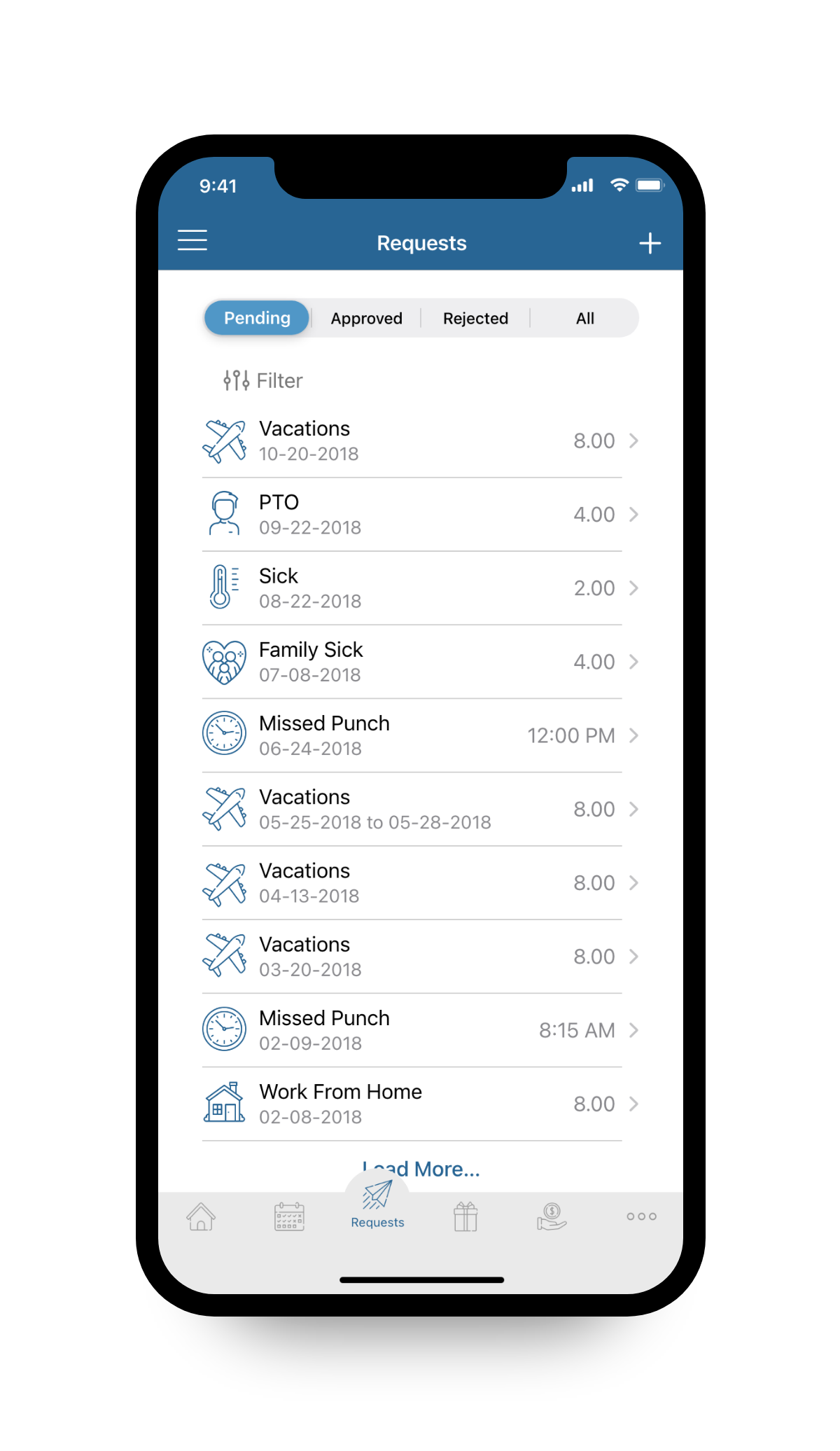
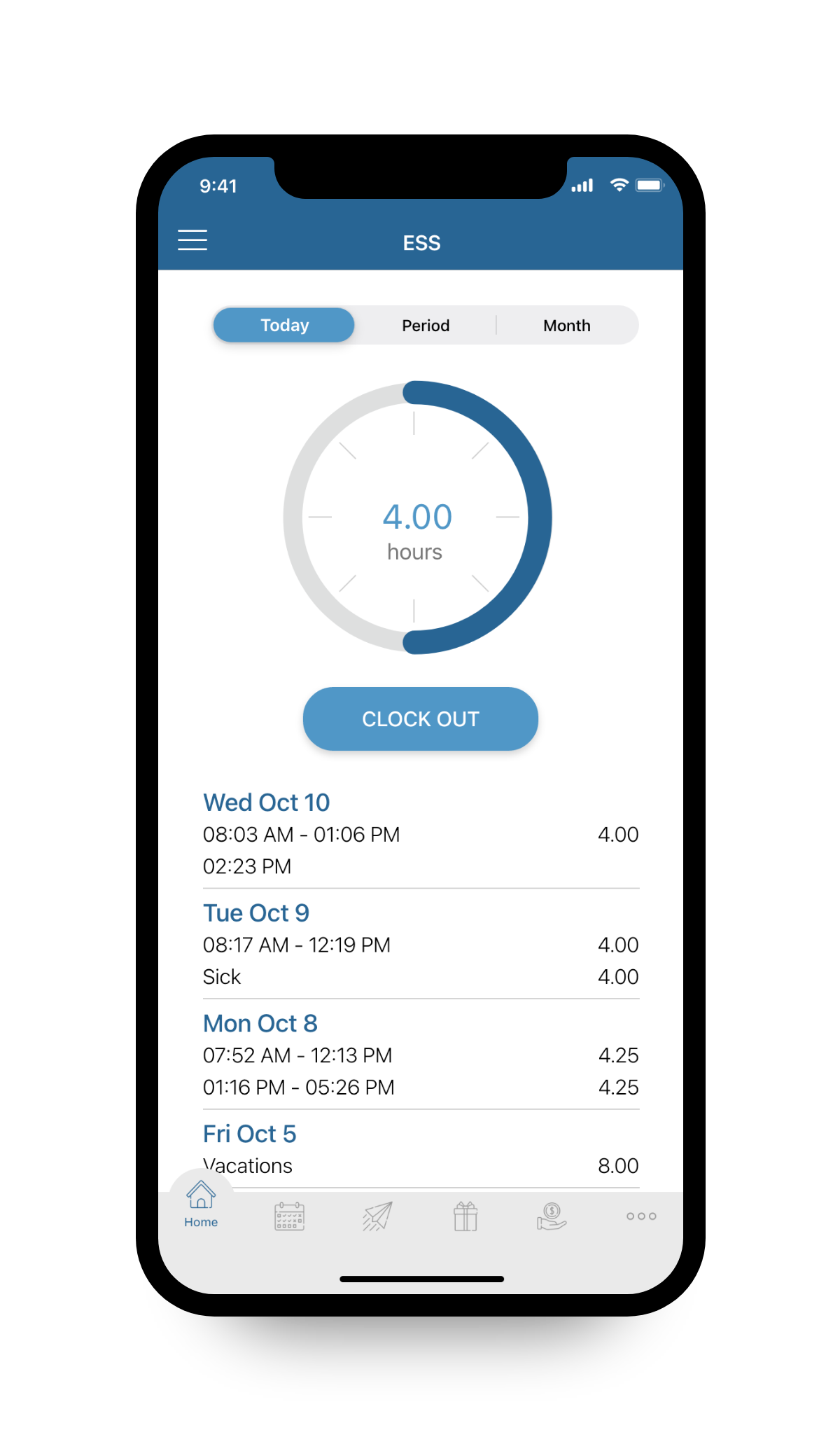
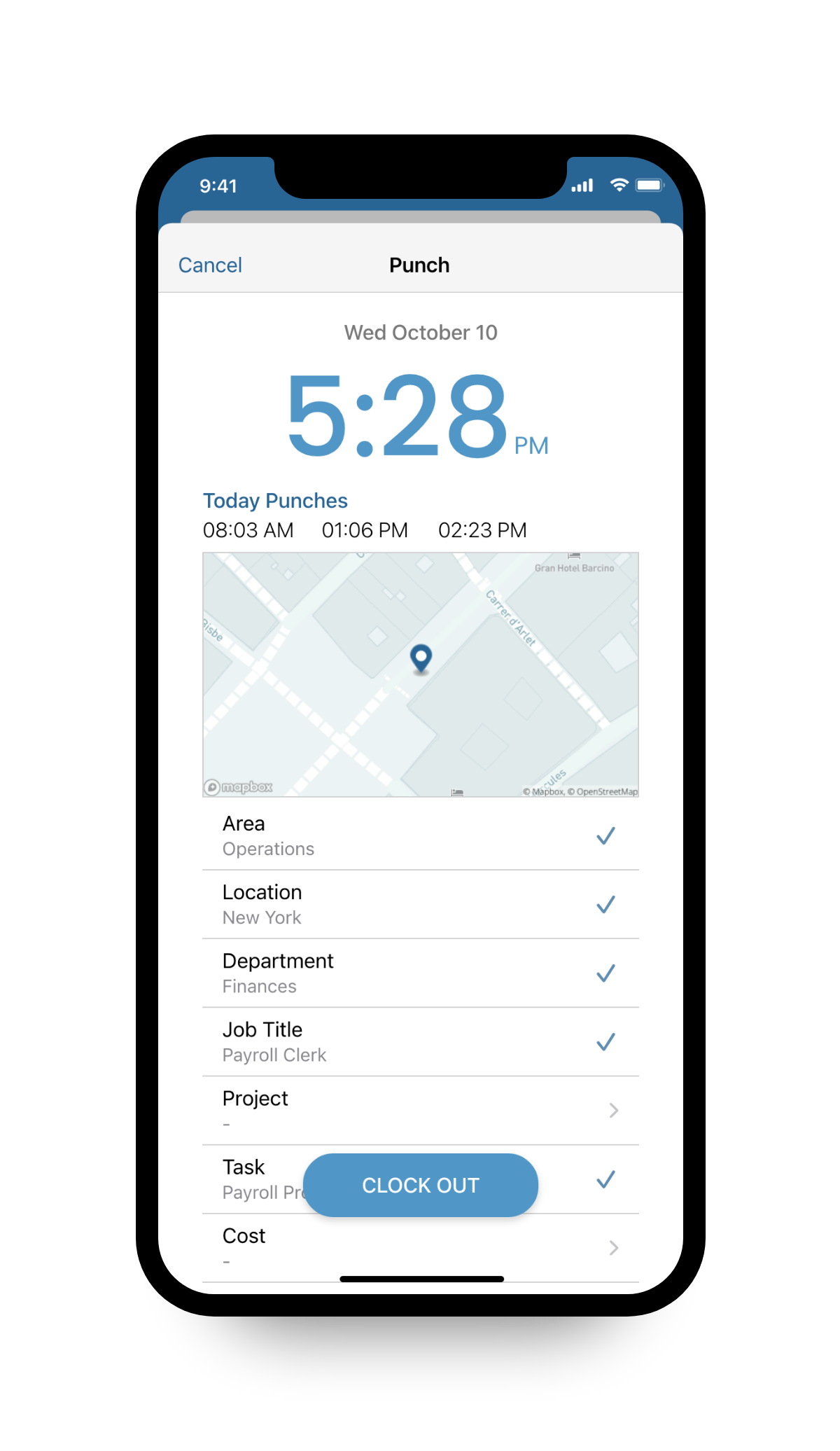
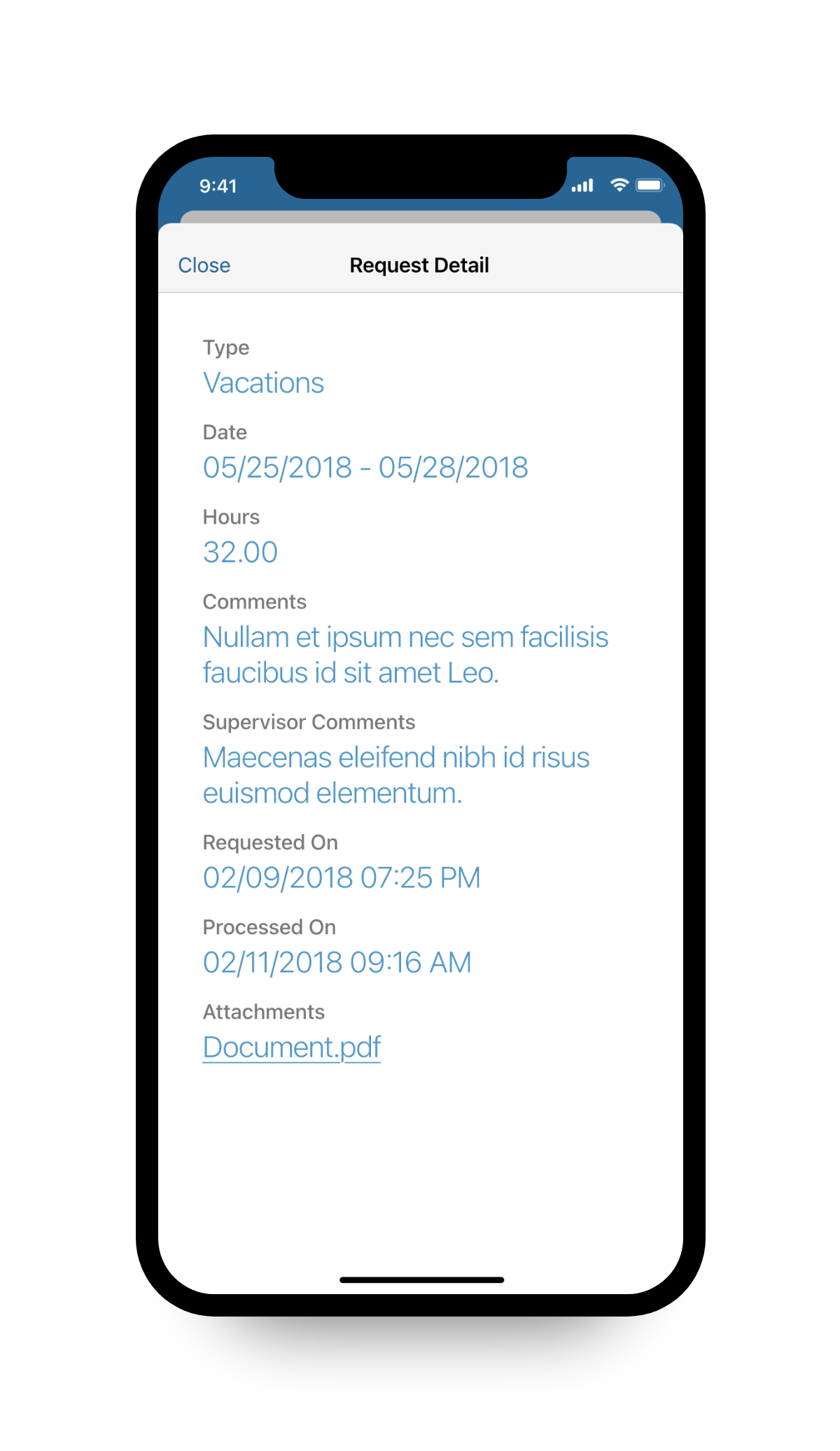
Having to access the system on a computer for daily tasks, such as time-off requests, time tracking, department transfers, etc

SUPERVISOR
Having to use external apps to communicate or train your employees
Always in a hurry, it is essential for him to be able to complete recurring tasks from a tablet or mobile, such as approving cards, viewing statistics, or making shift changes

PAYROLL CLERK
Have figuring out how to pay a prorated salary, pay time off or, administer payroll deductions manually

ACCOUNTANT
Fail to manage payroll tax processes and to maintain compliance with Federal, State, Local, and Territory regulations.
site maps
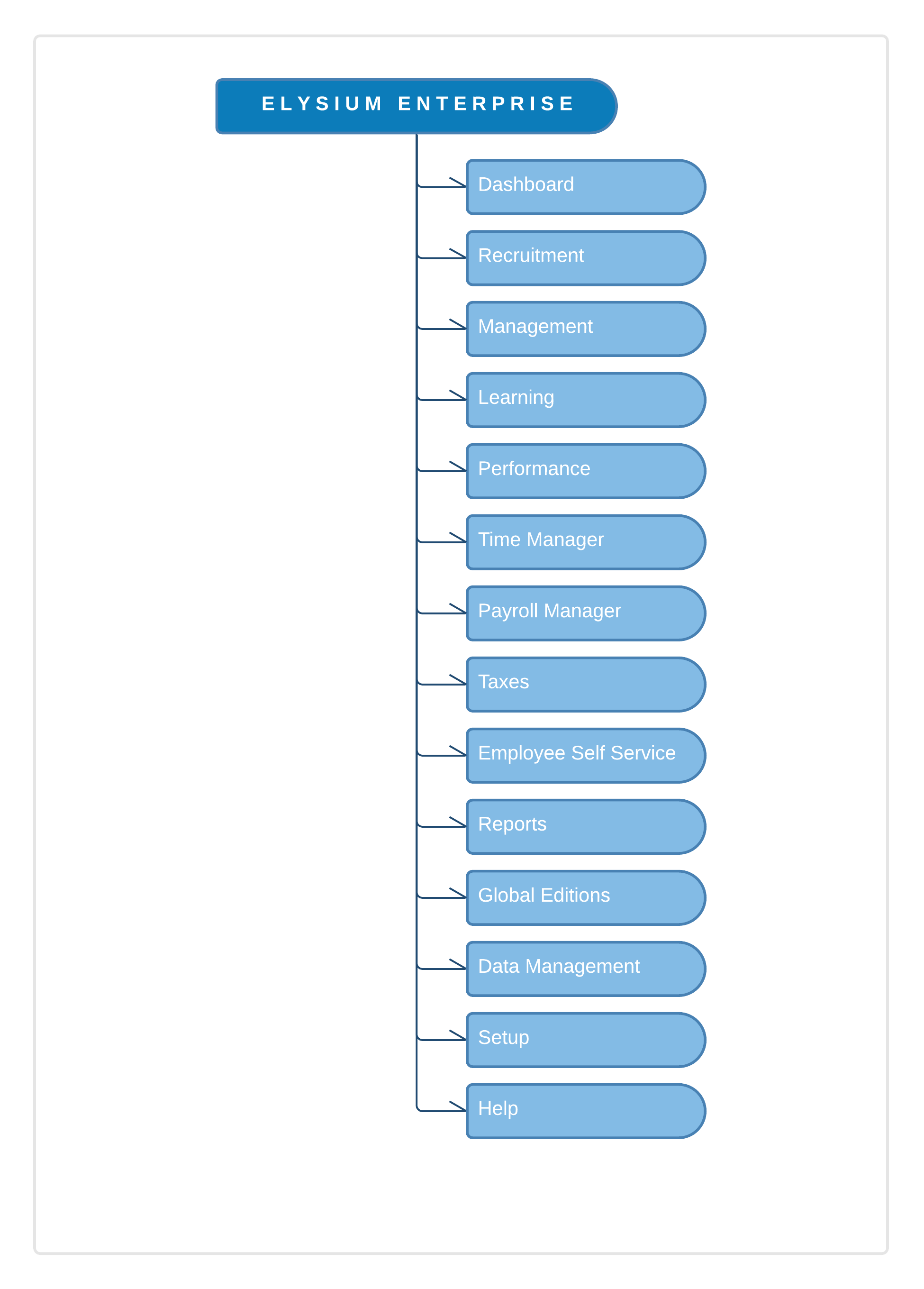
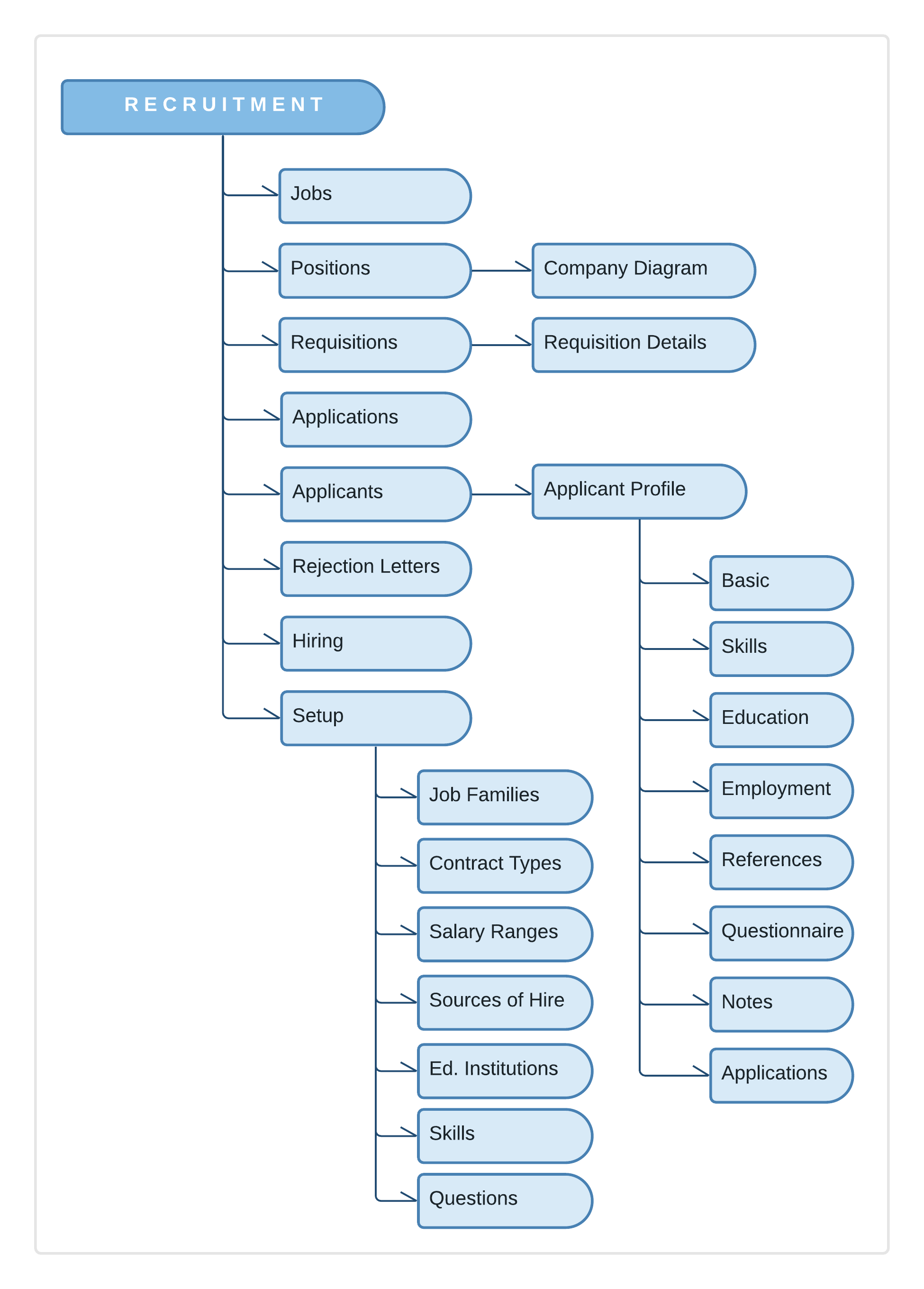
Then I create the site maps in order to plan better the usability of the app. UX site maps are an essential part of the design process, because show a full picture of your digital product so you can make better design decisions. It also helps you see if linked pages are user and SEO-friendly.
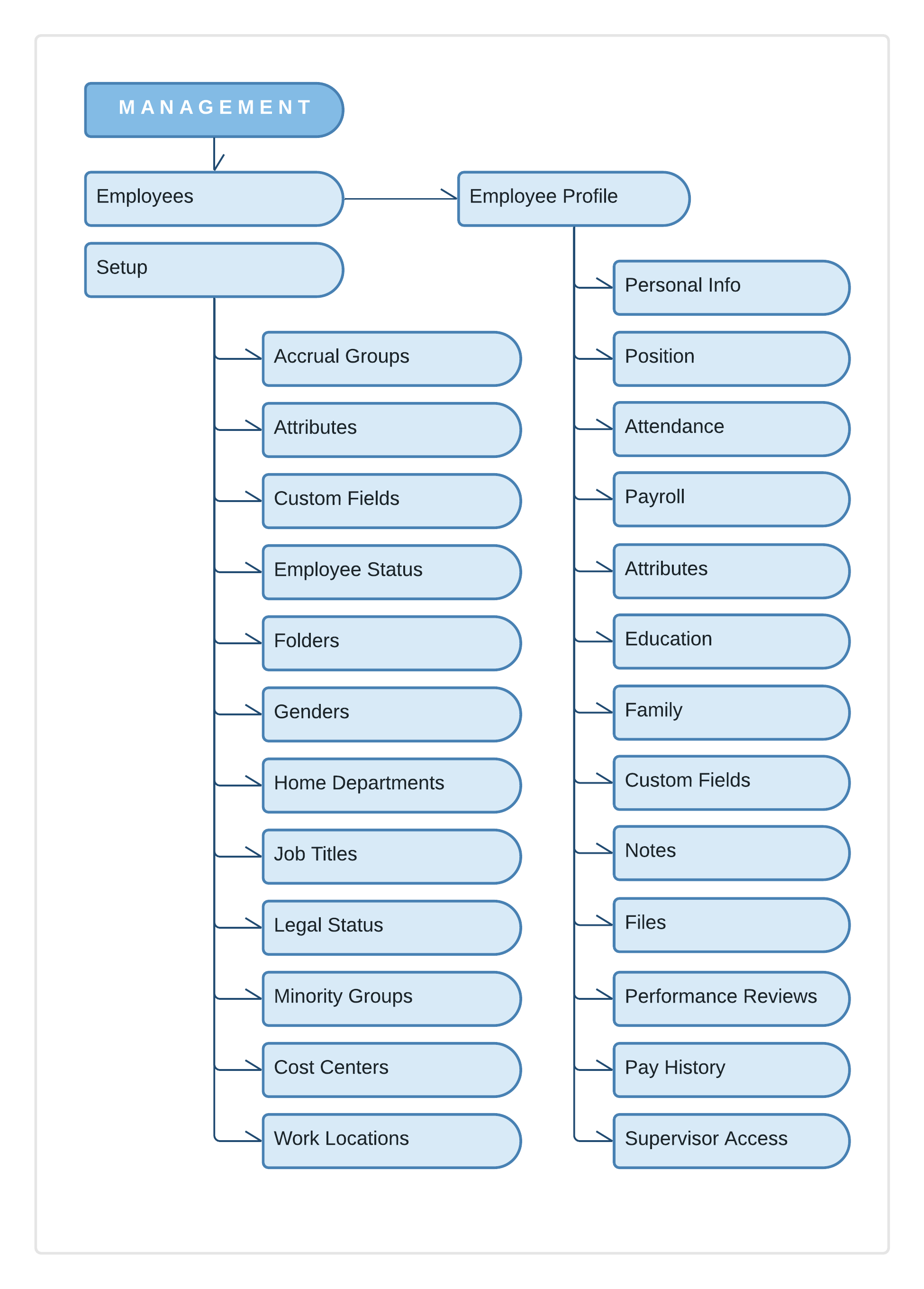
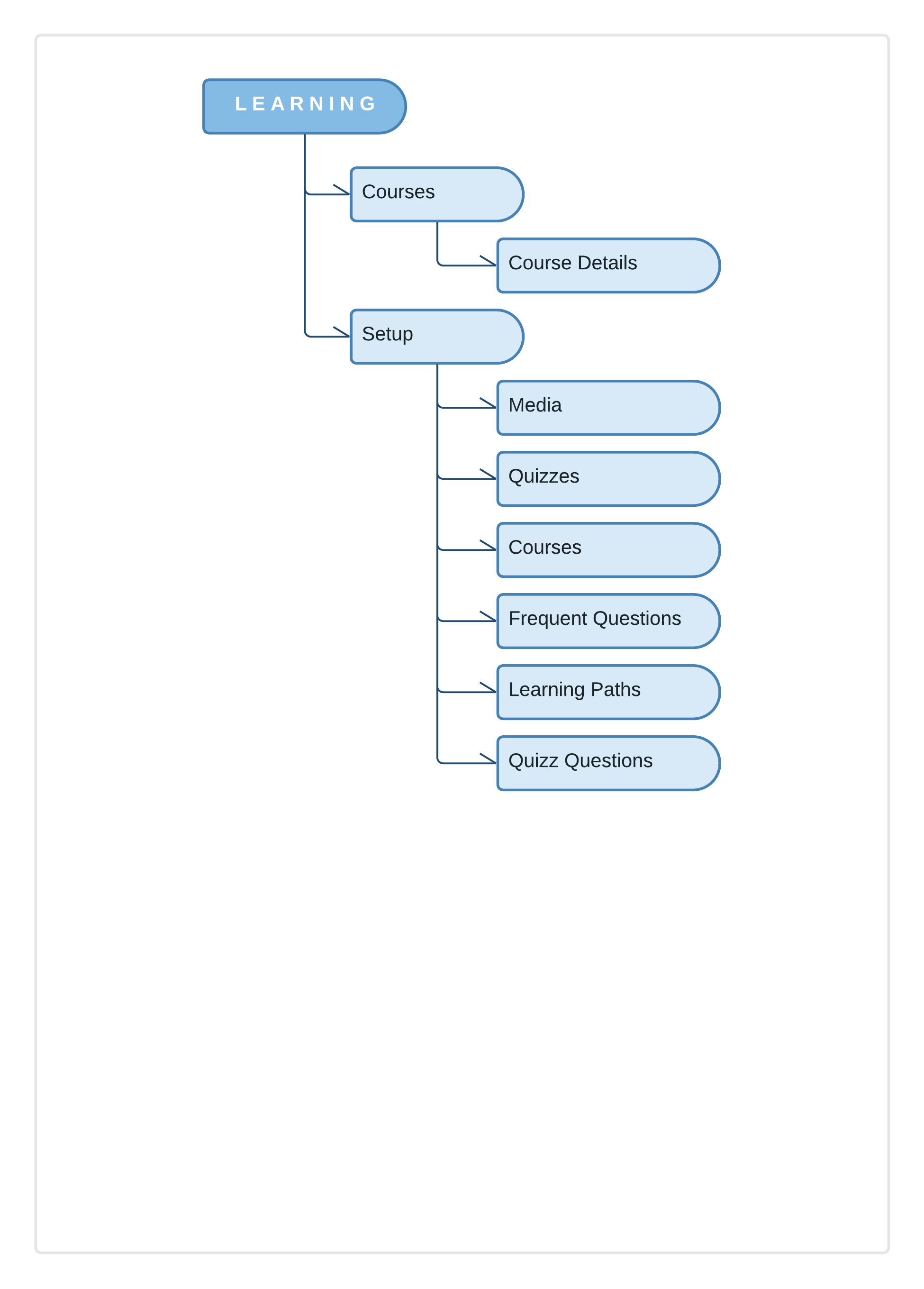
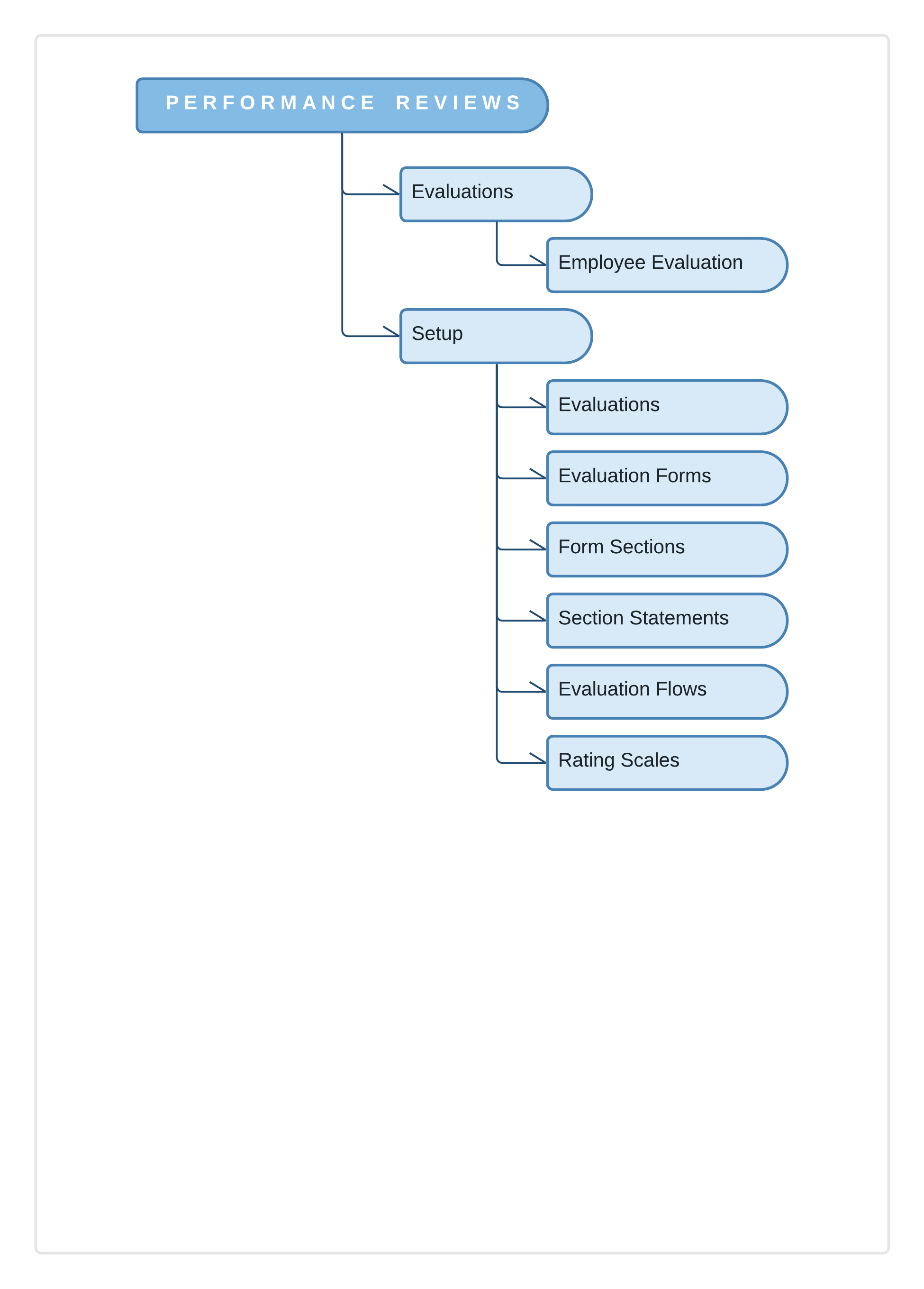
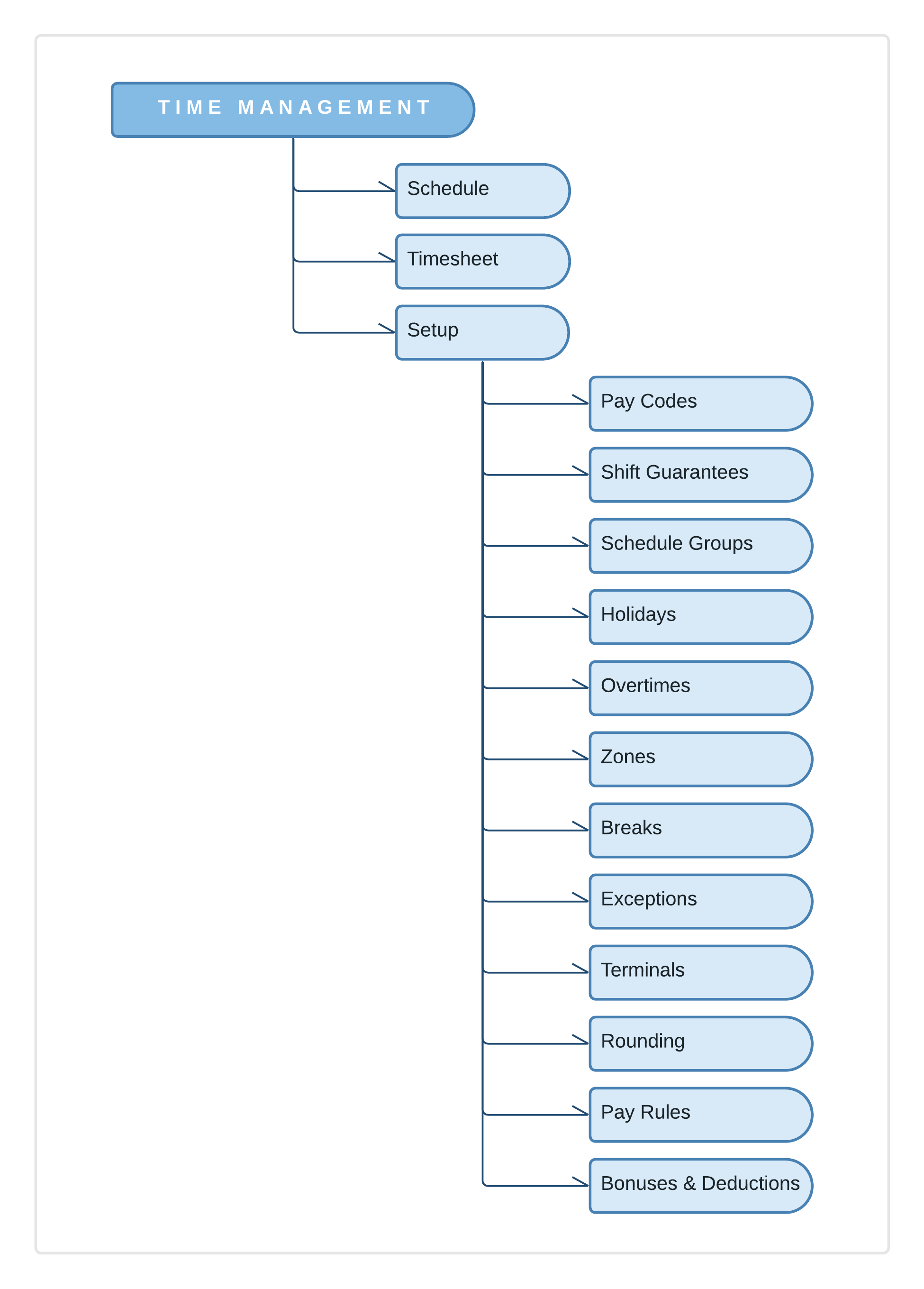
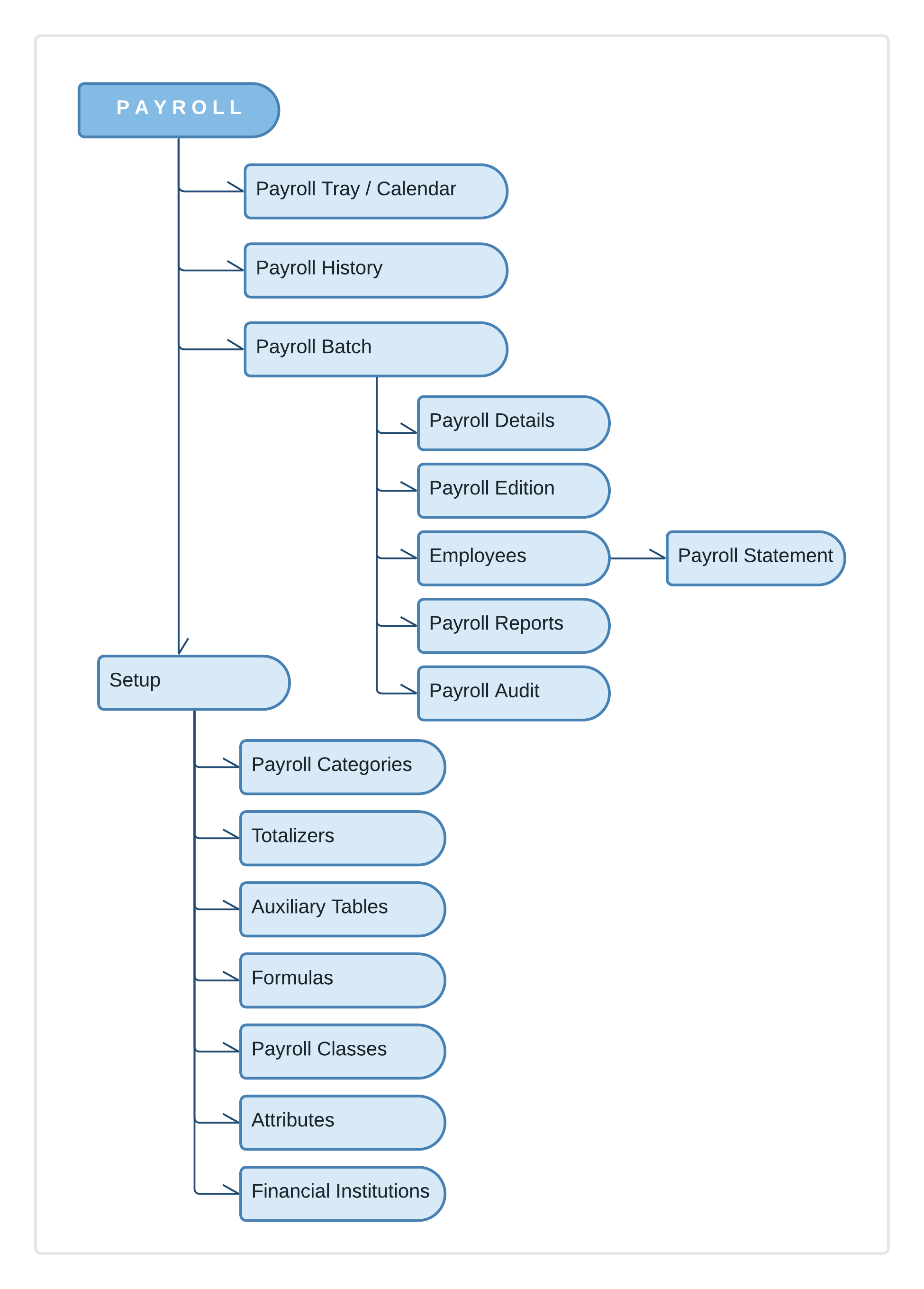
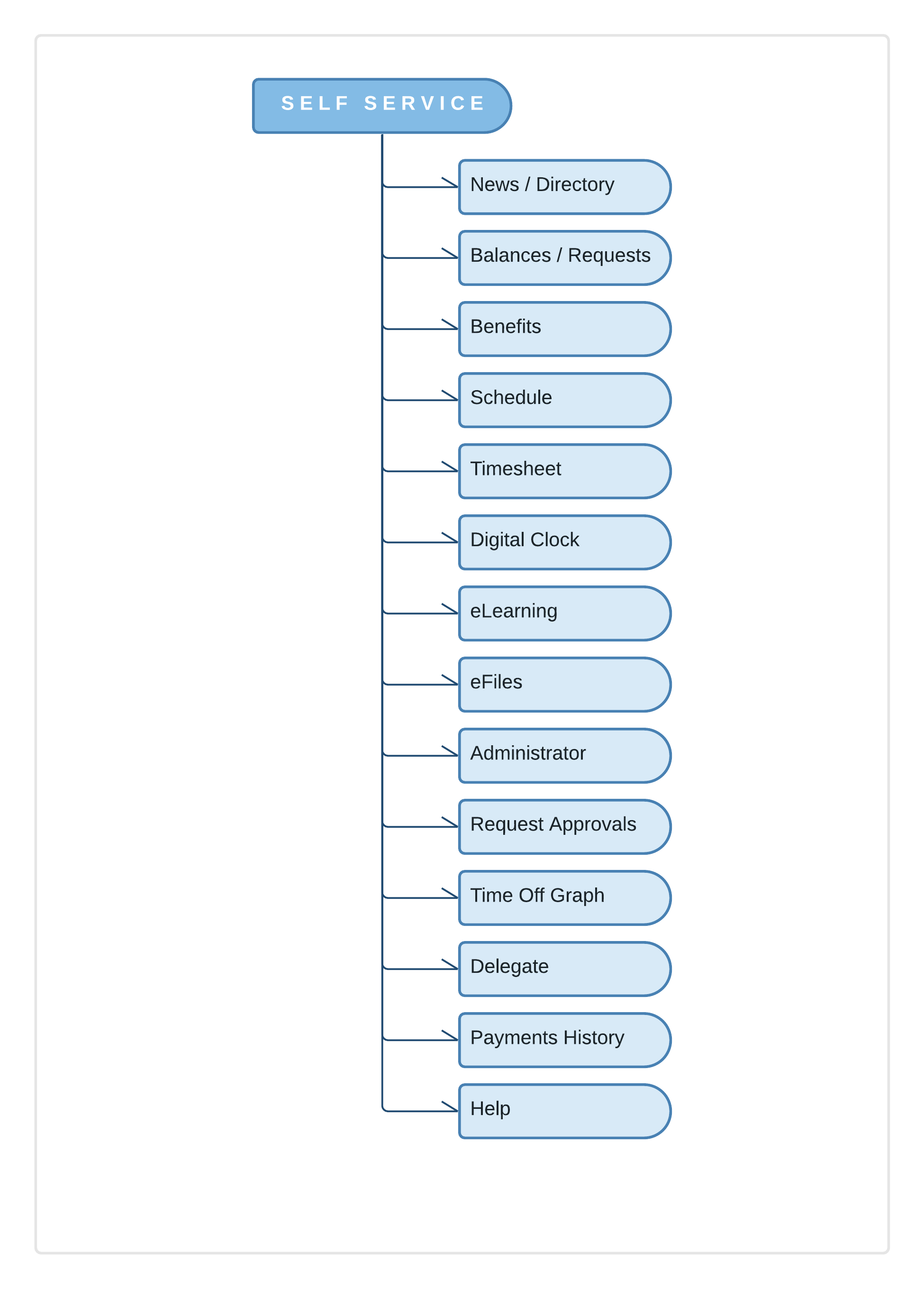
task flows
Later, I move to create some task flows, an easy and fast way to visualize the process for the core tasks of the software. The excellent benefit of the task flows is how clear and easy is to understand for everyone (stakeholders, clients, team members).
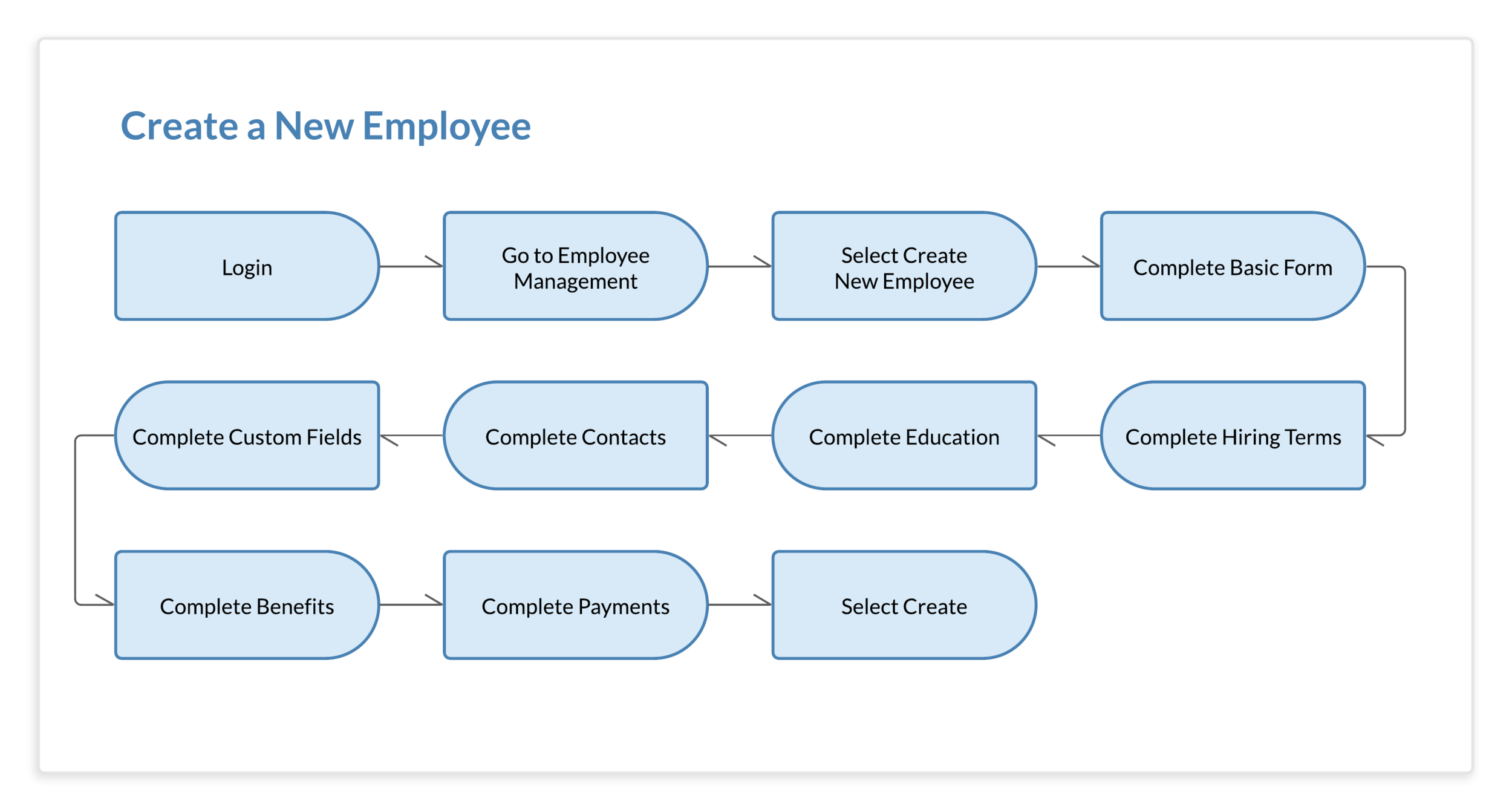
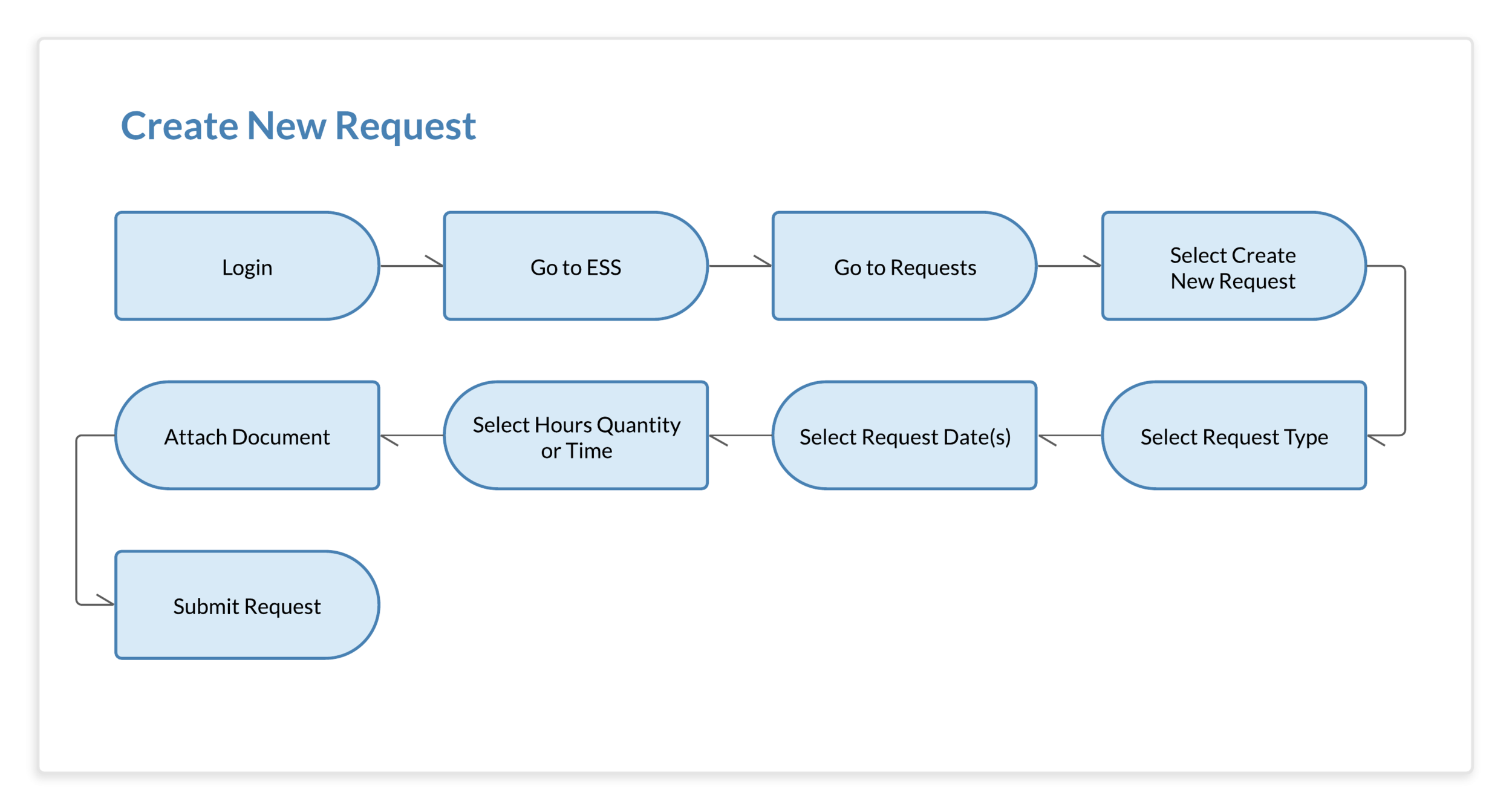
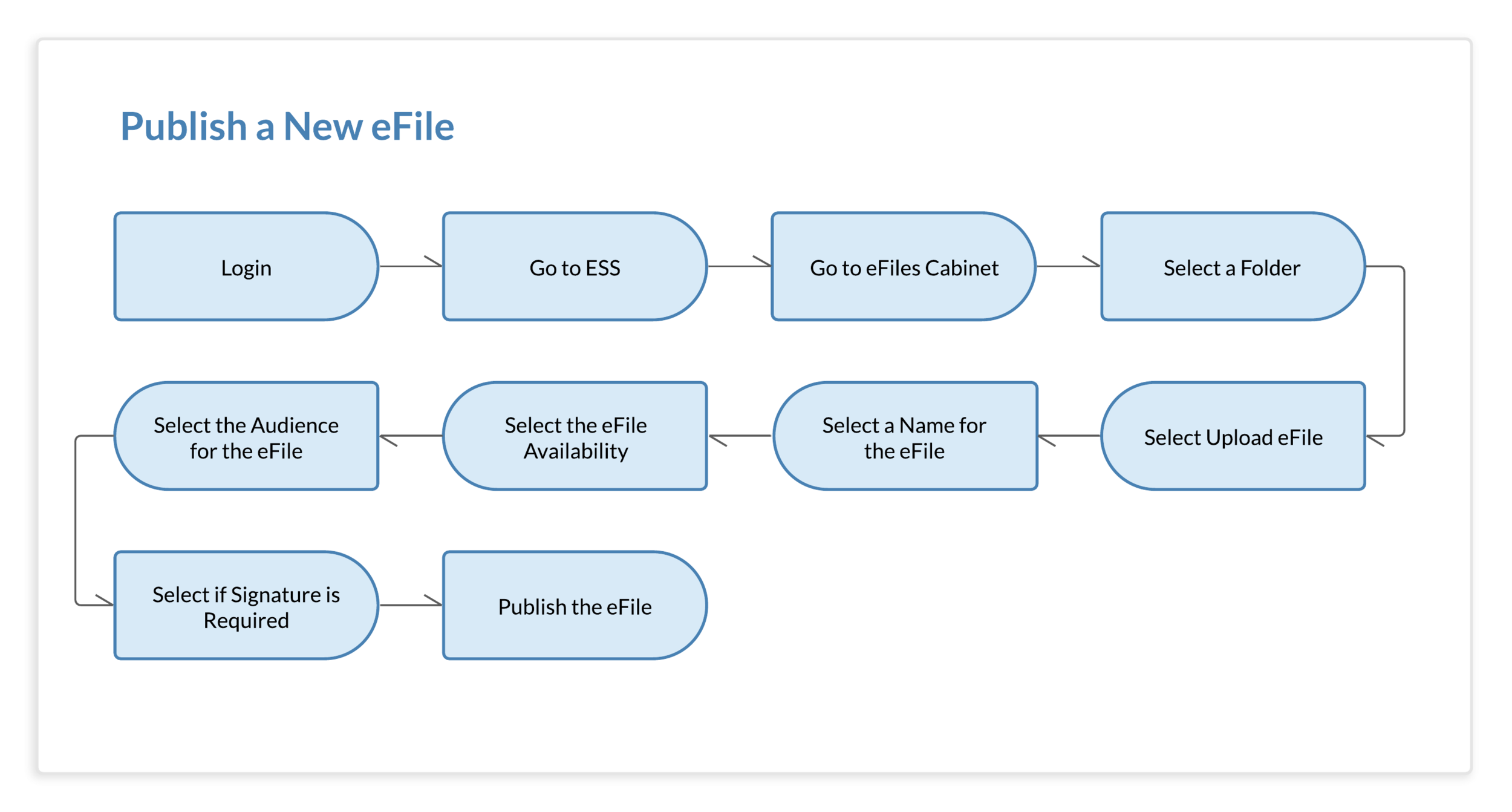
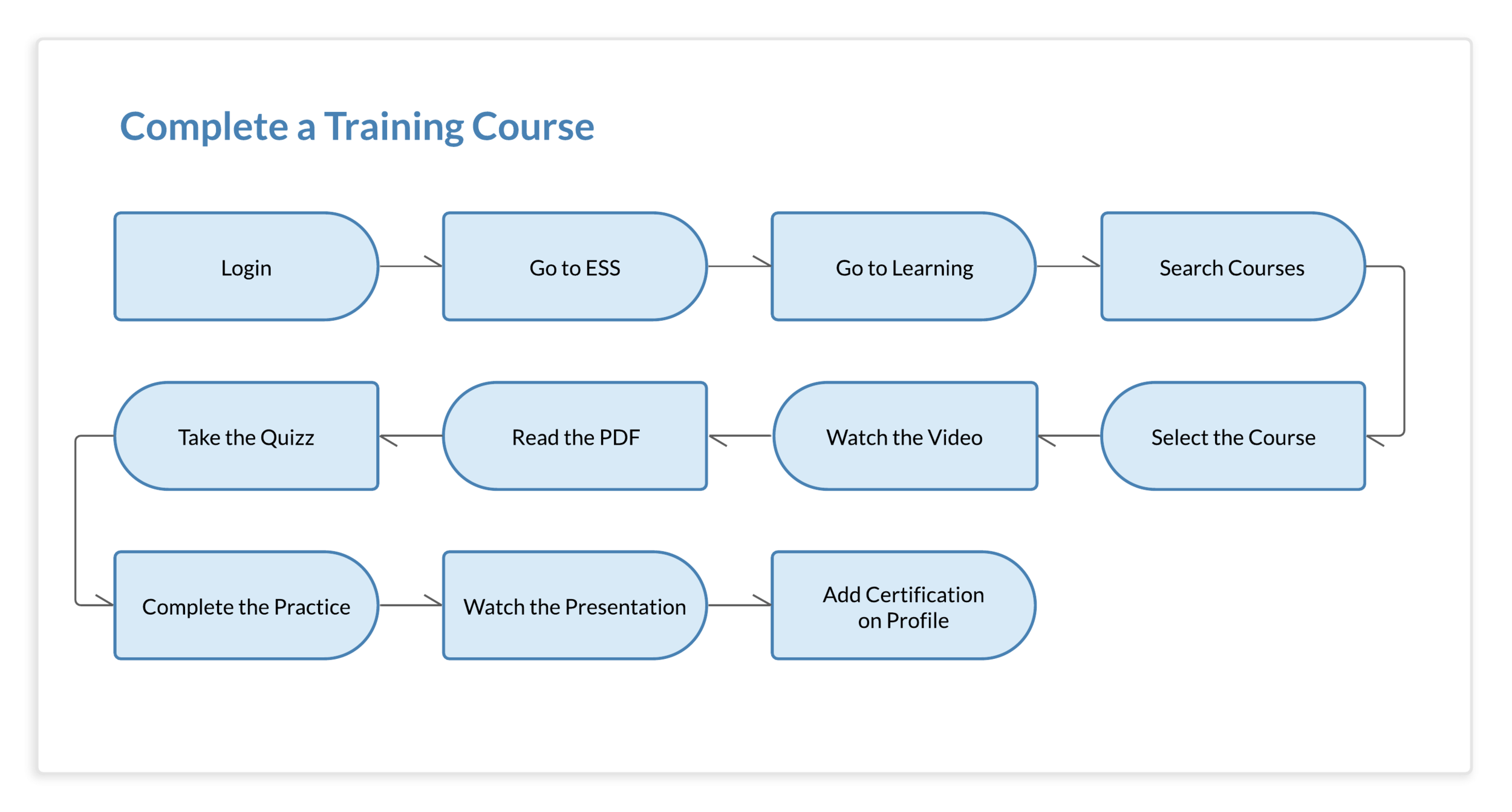
sketches
Once the principal elements to design were defined, I began hand sketching the screens of the app and translating them later into wireframes.
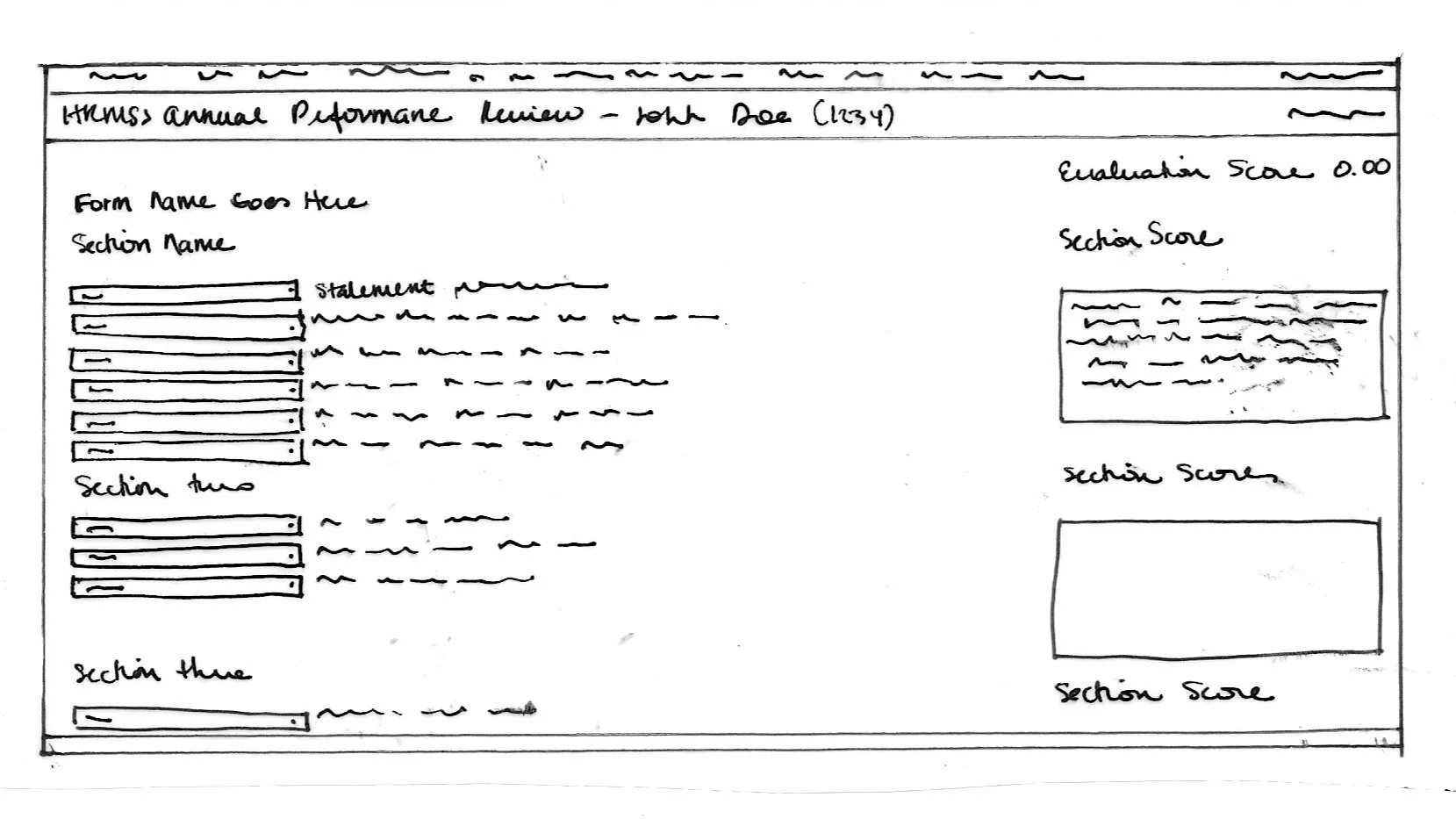
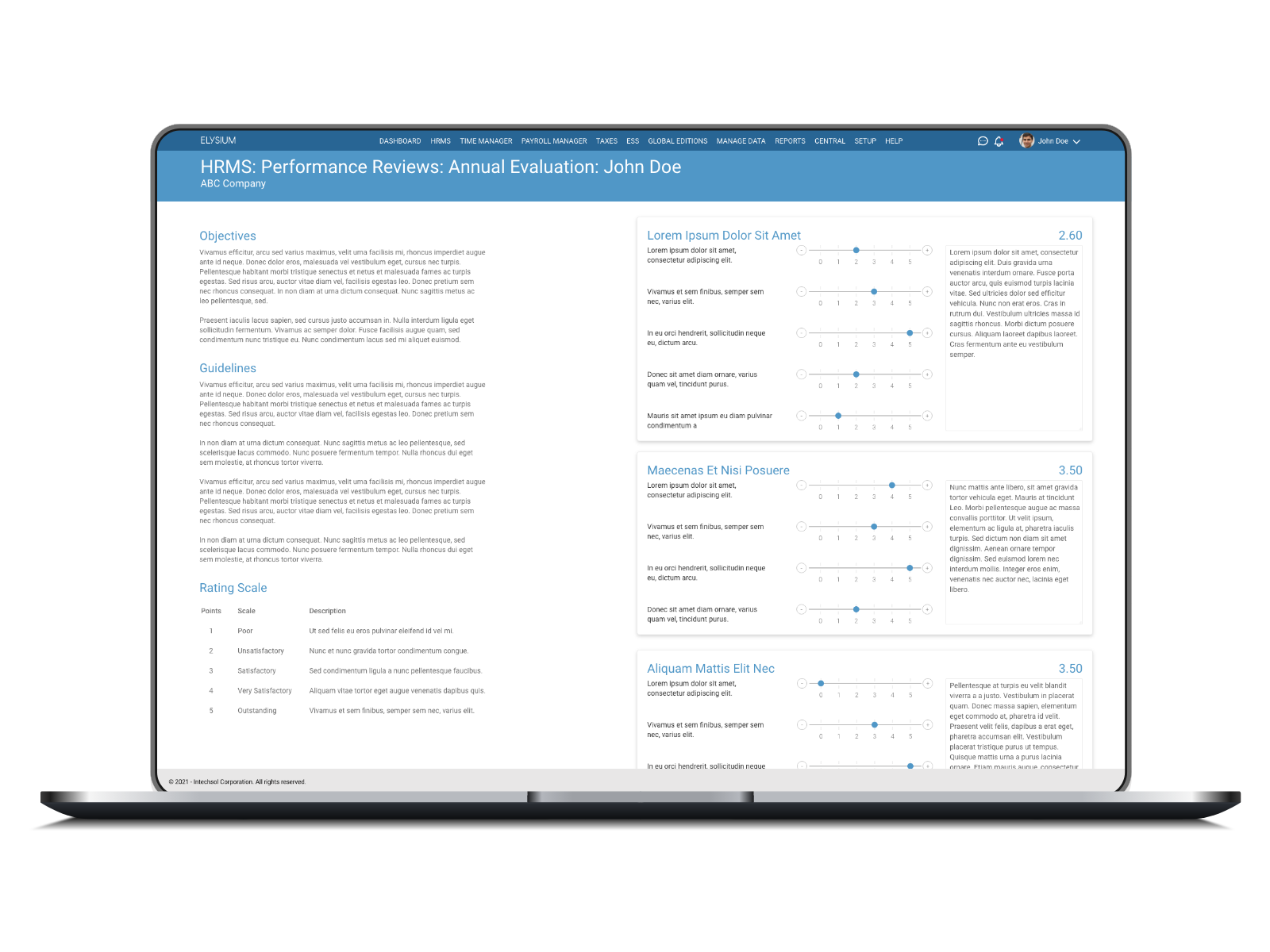
Performance Reviews
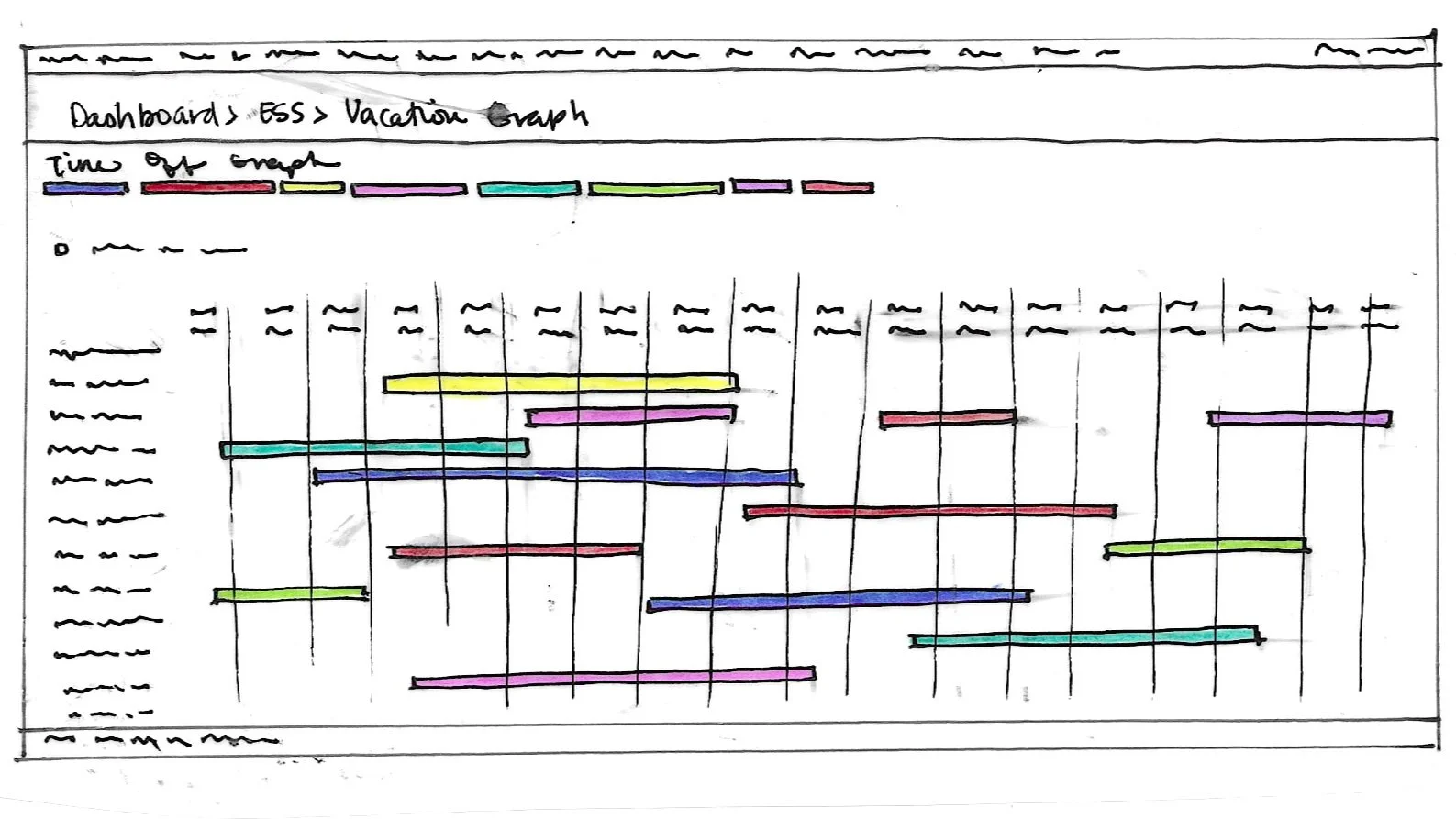
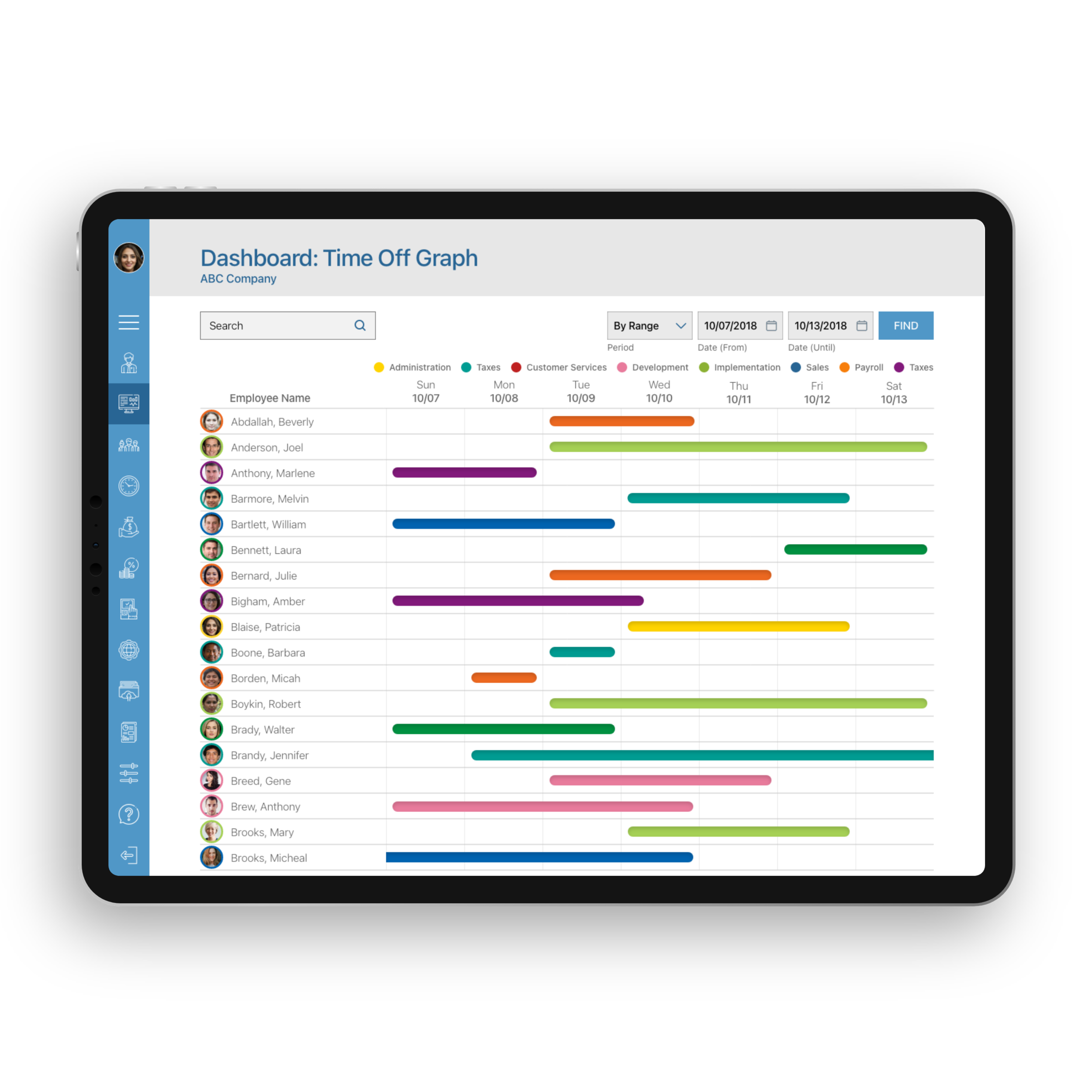
Time Off Graph
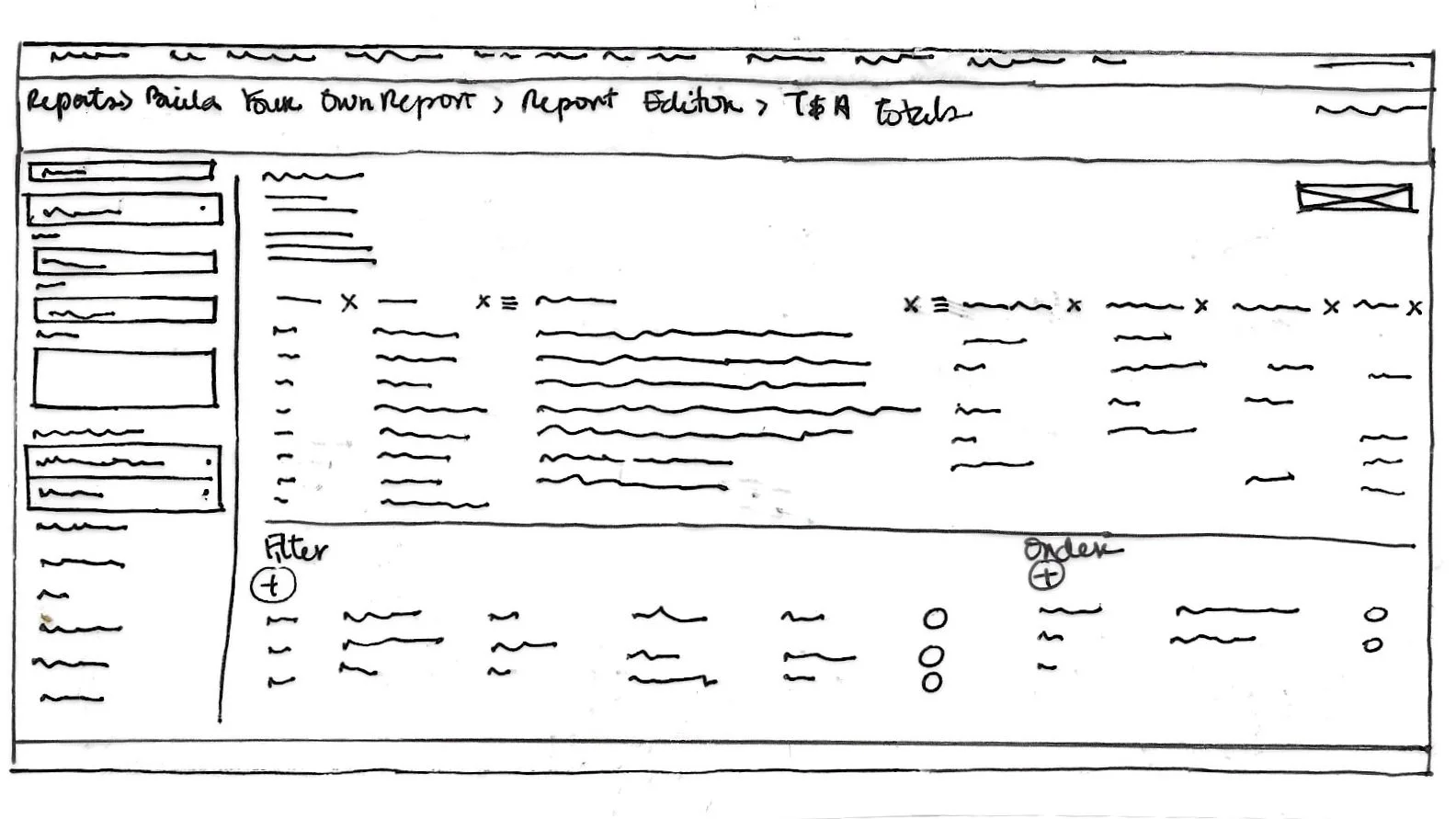
Build You Own Report
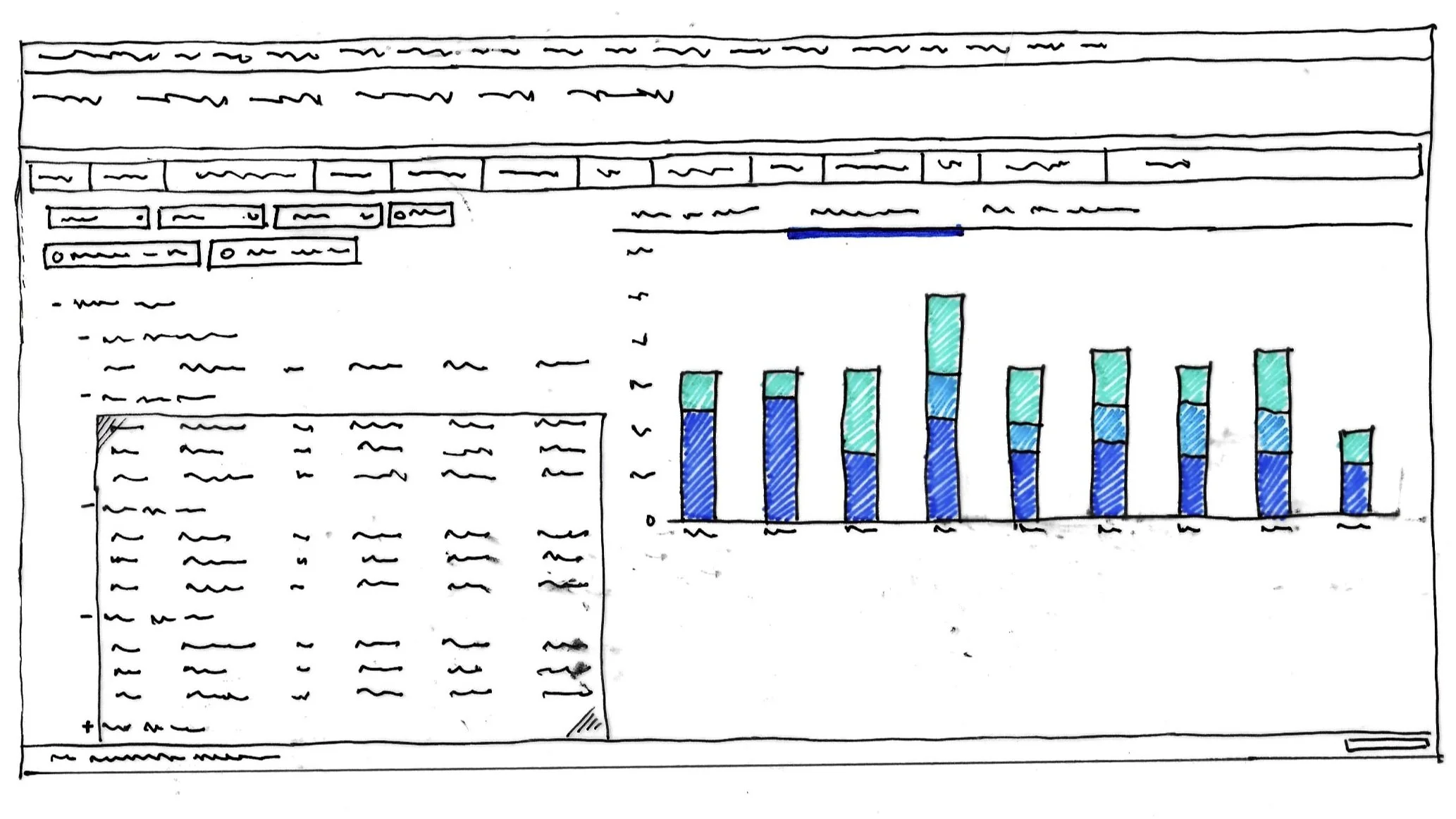
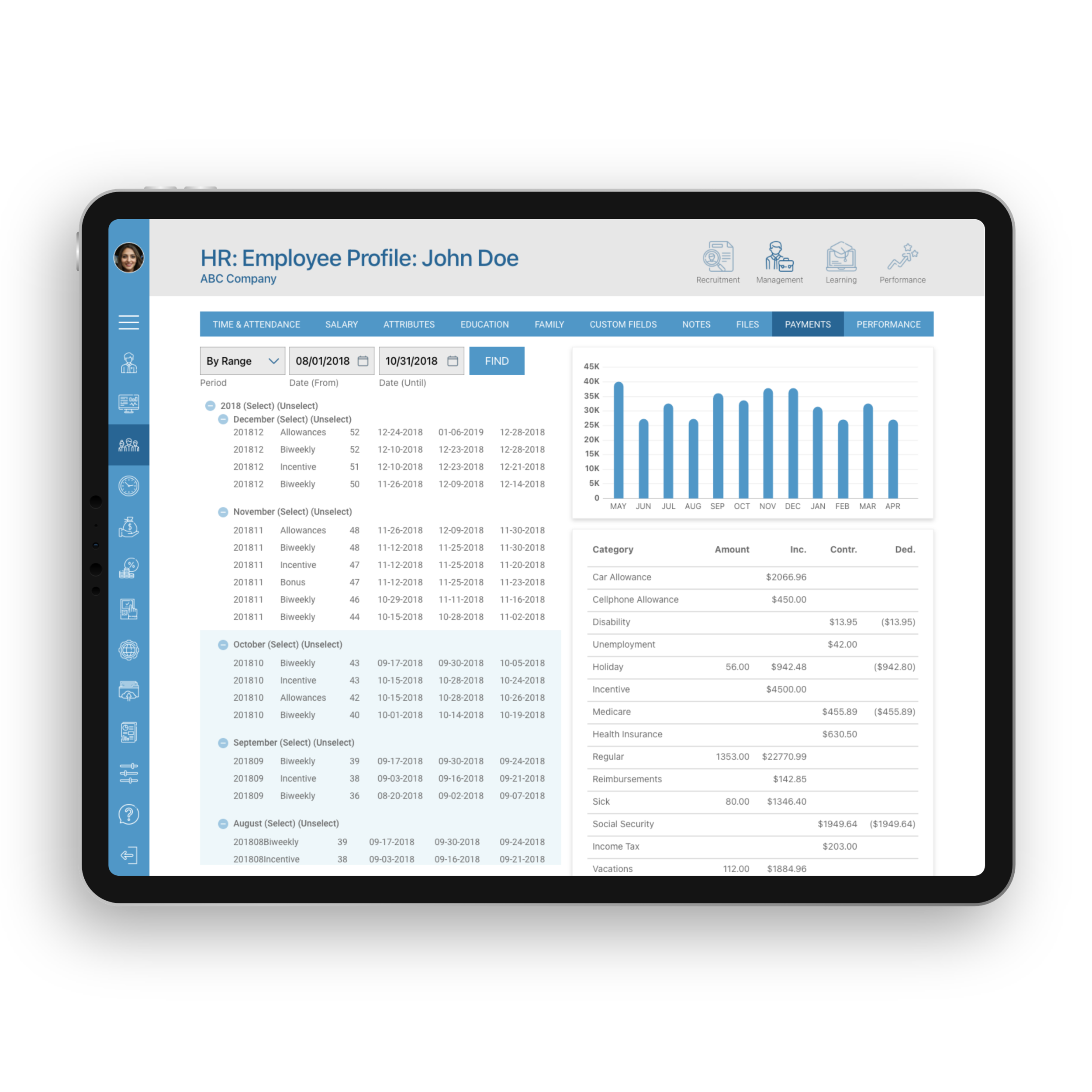
Employee Payments
wireframes
They are a critical part of the interaction design process. Wireframes allow me to analyze the hierarchy of the elements that I wanted to display. Also, these lowest-fidelity prototypes are a great tool for a quick and easy way to test a layout or design with users.
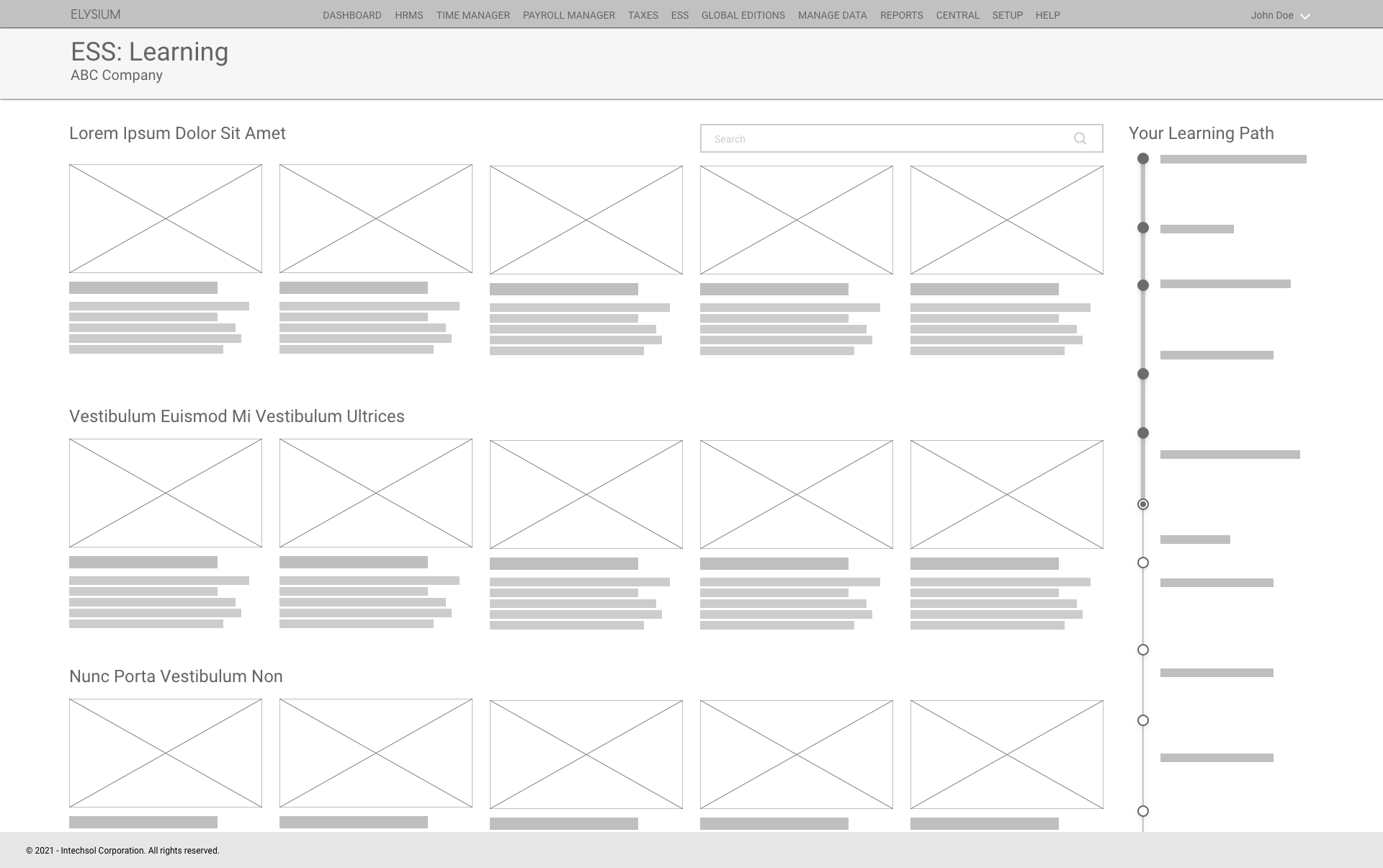
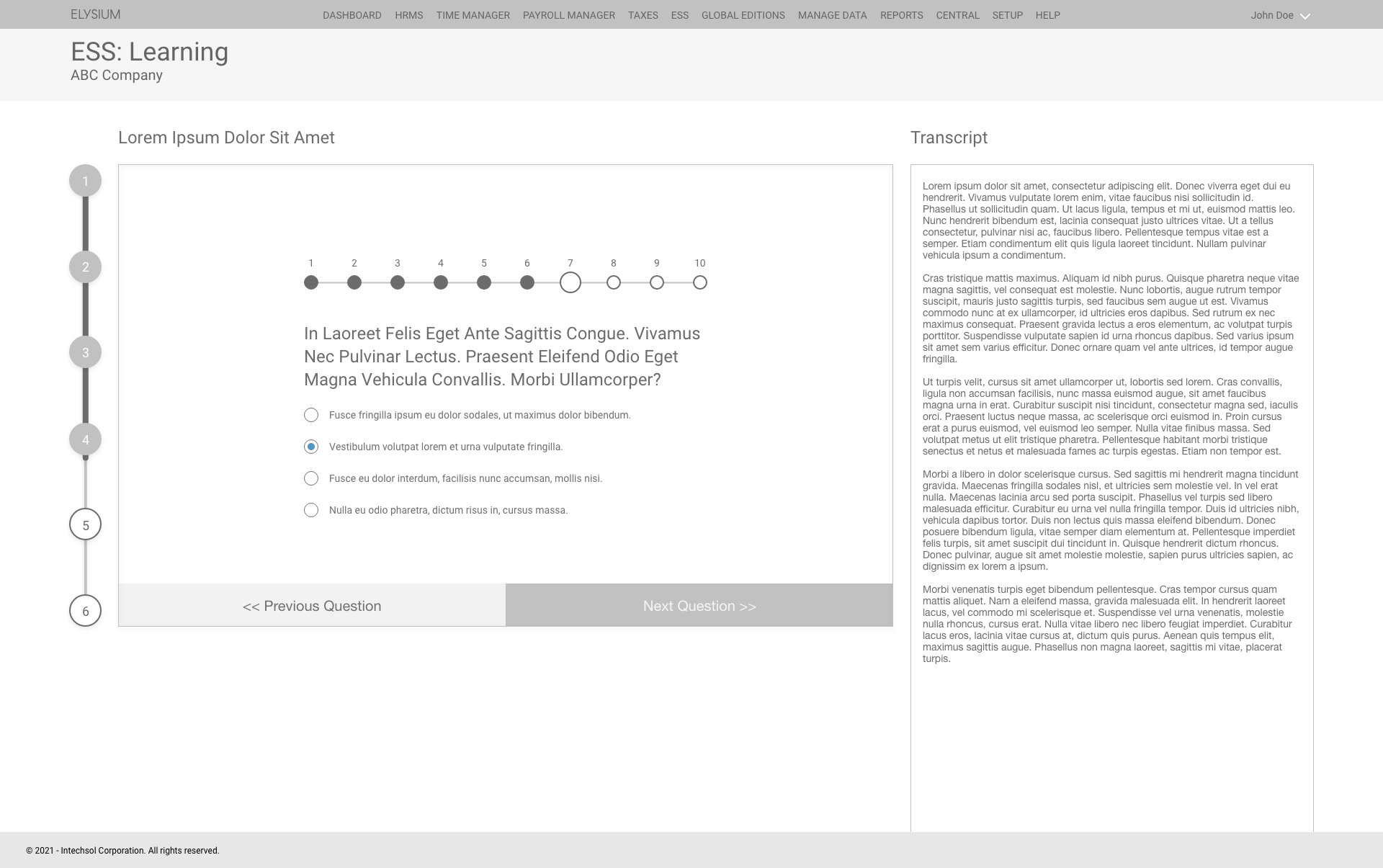
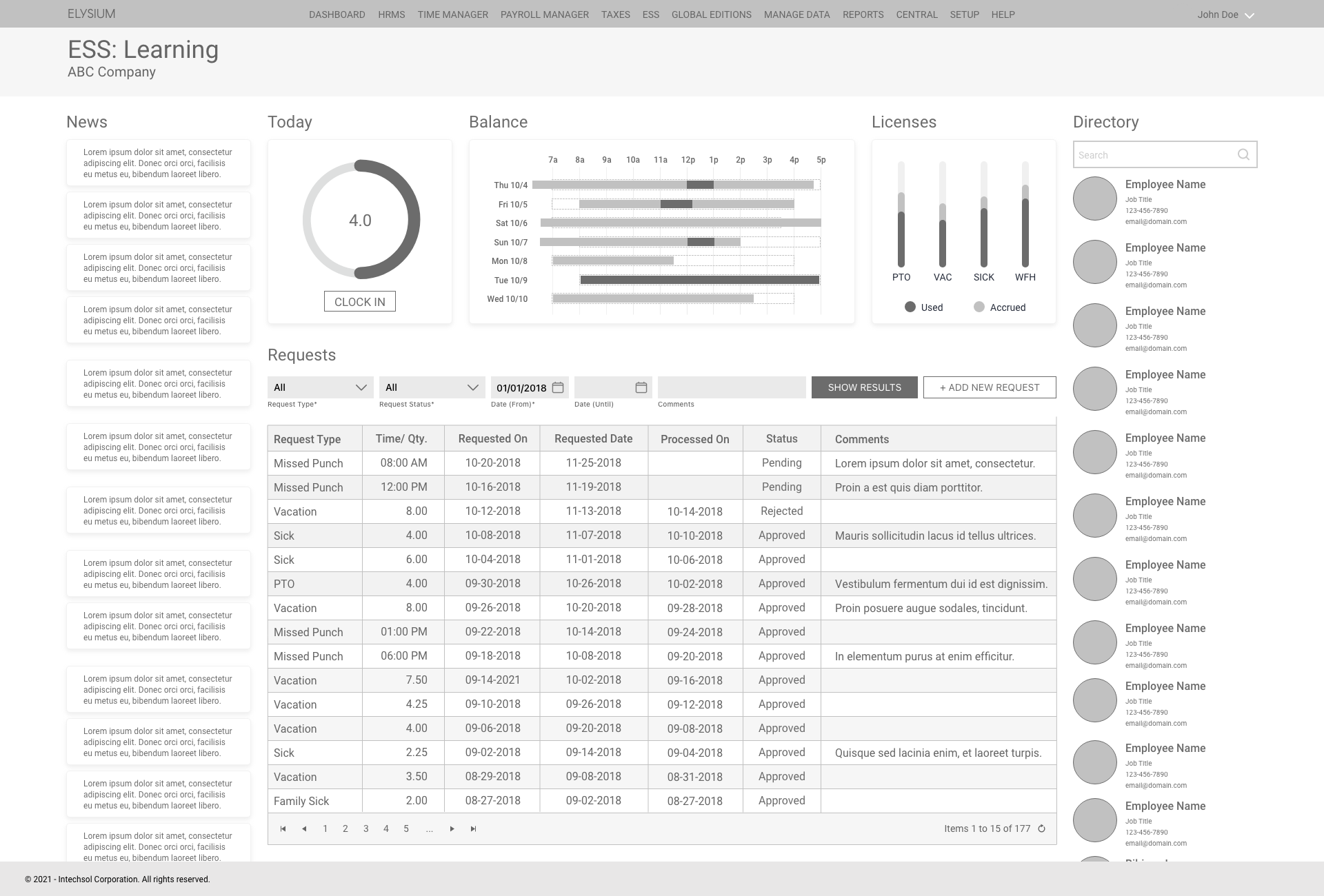
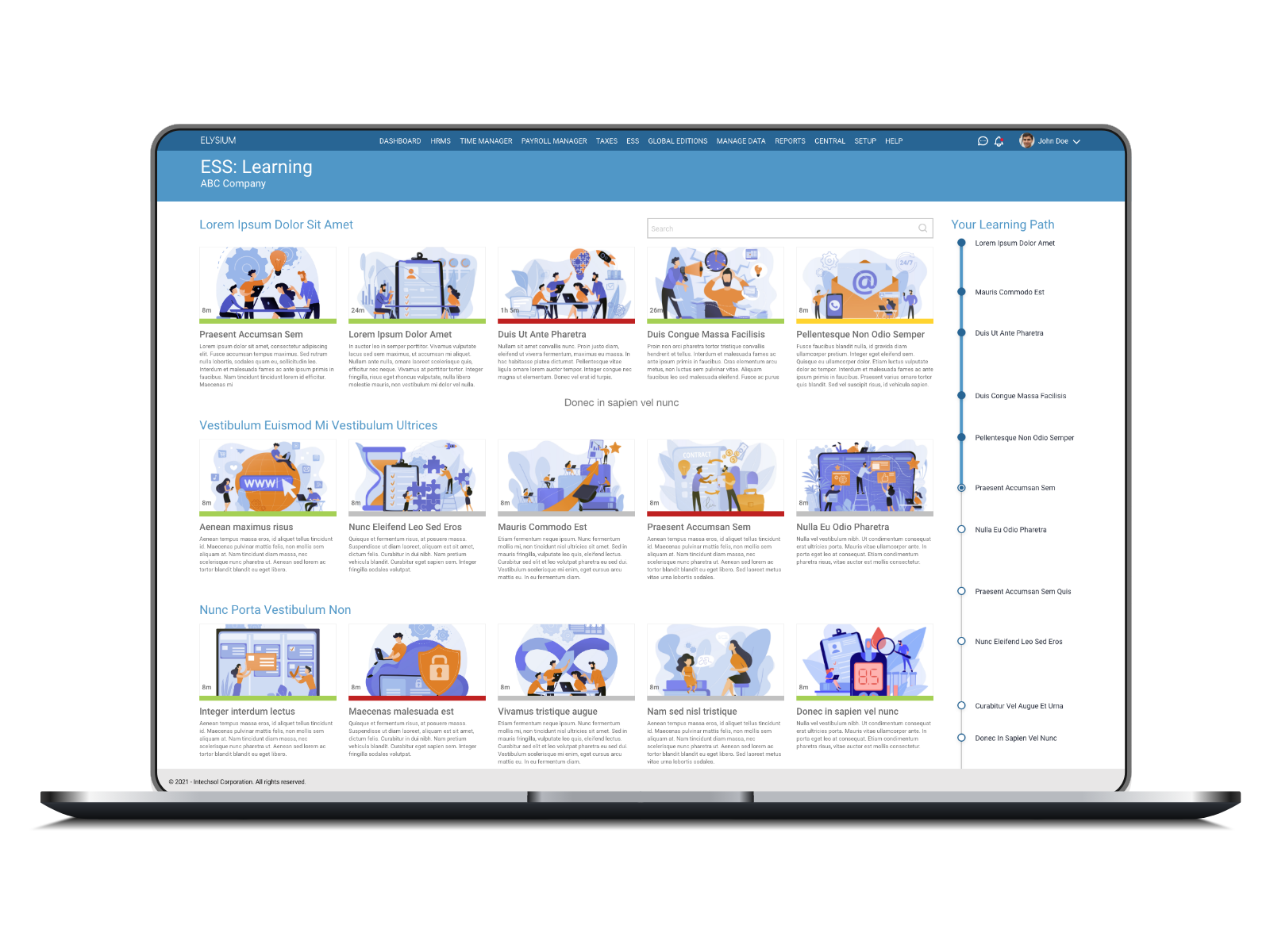
Web
long-session daily tasks
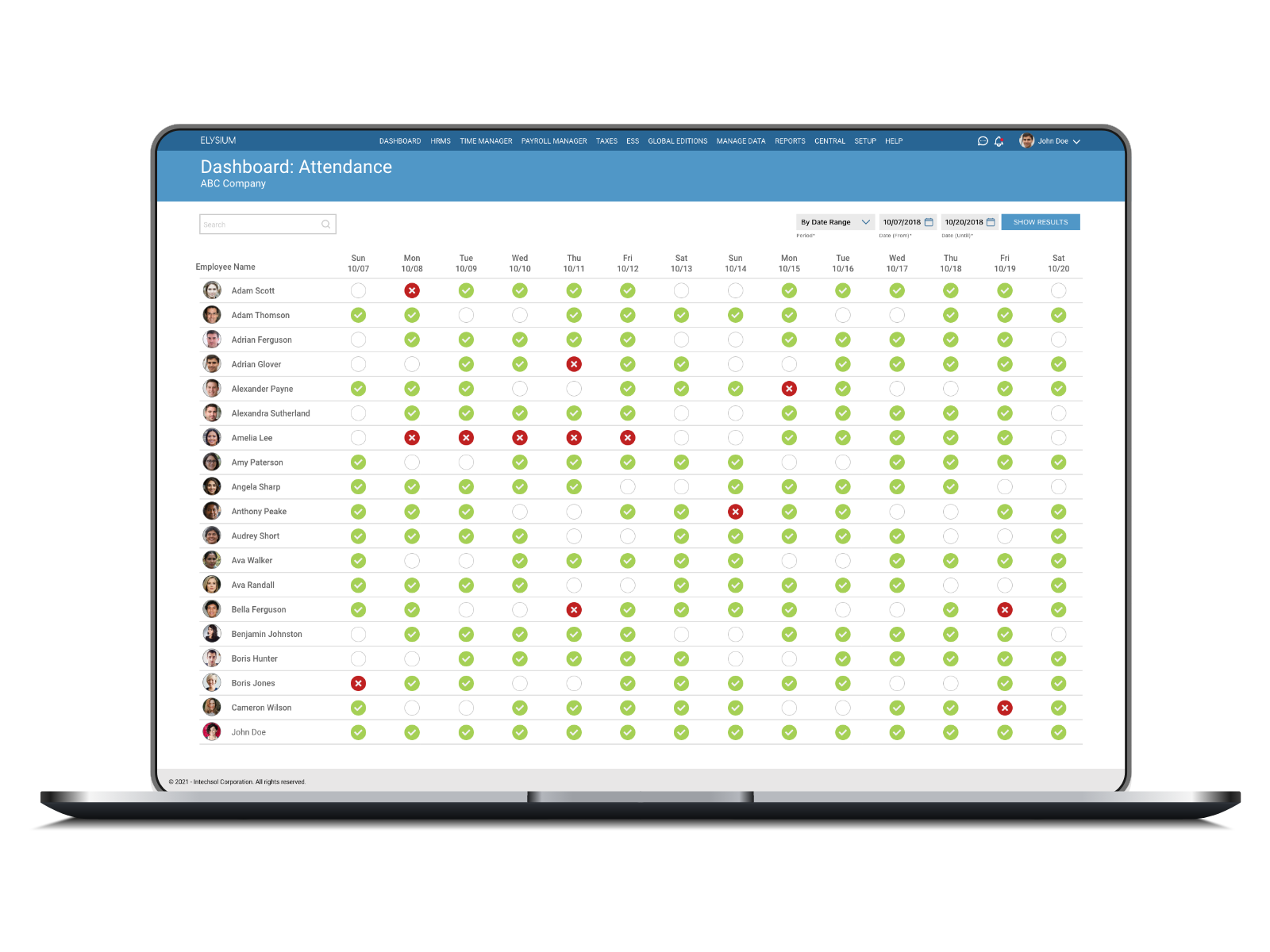
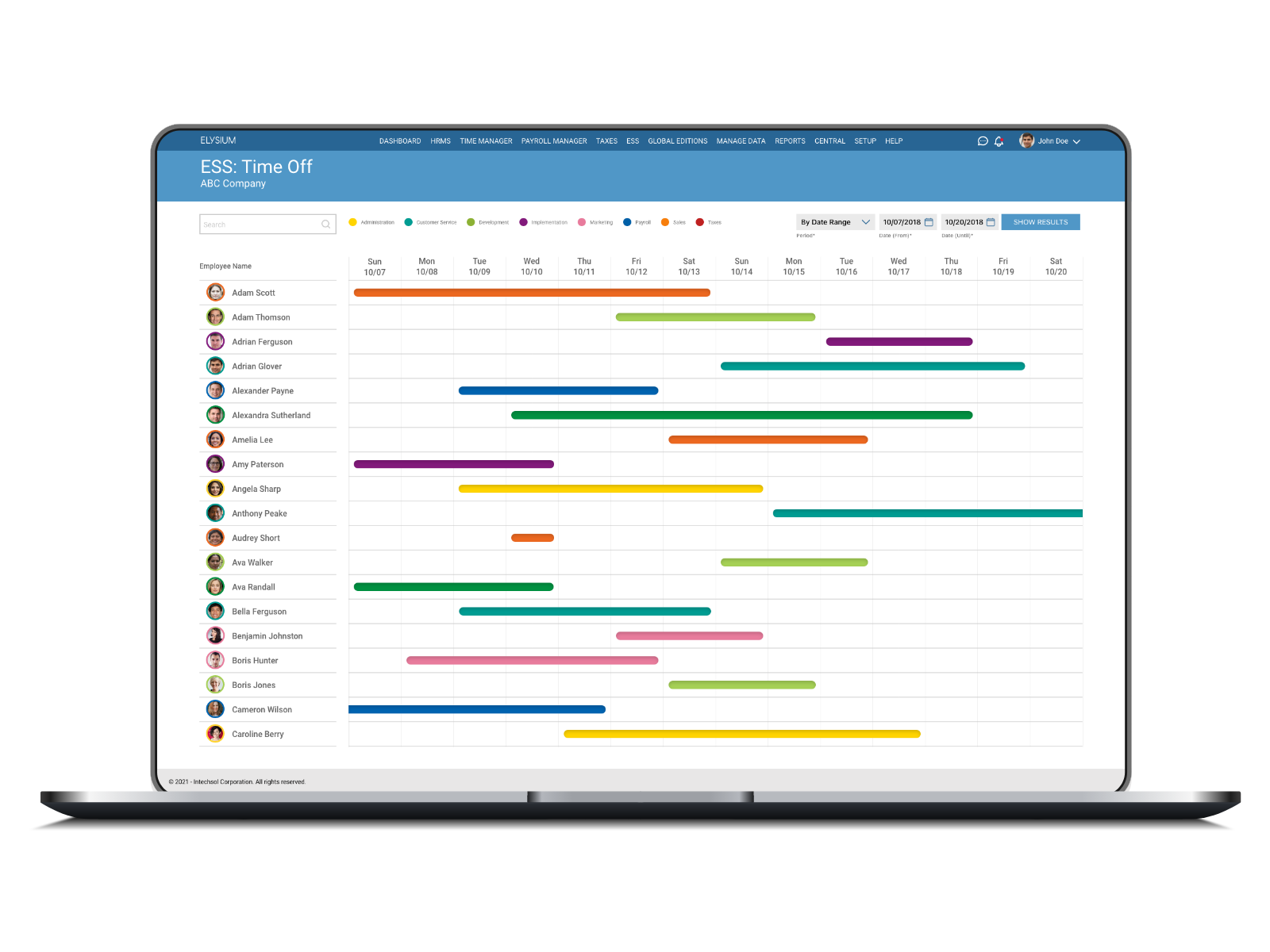
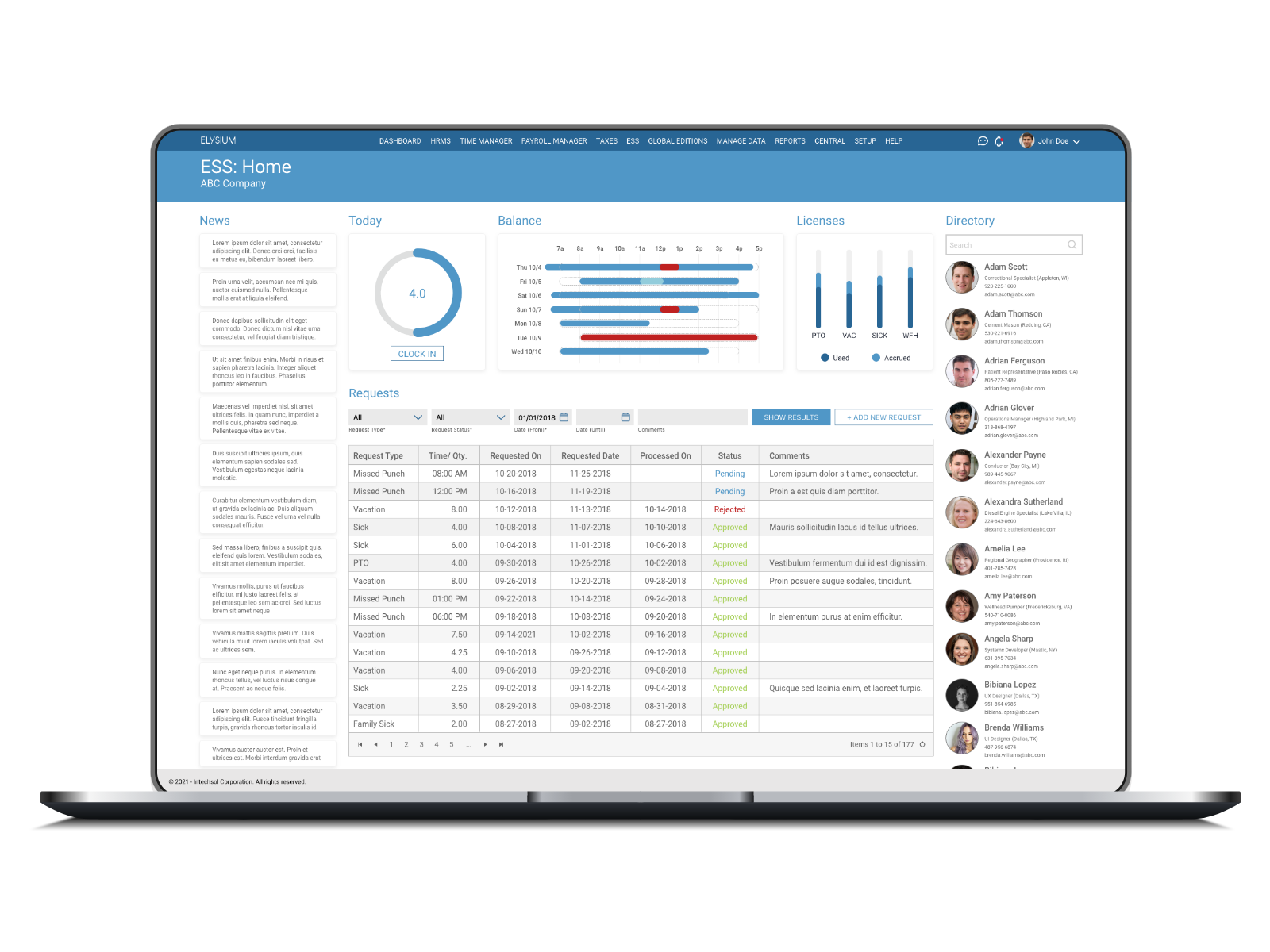
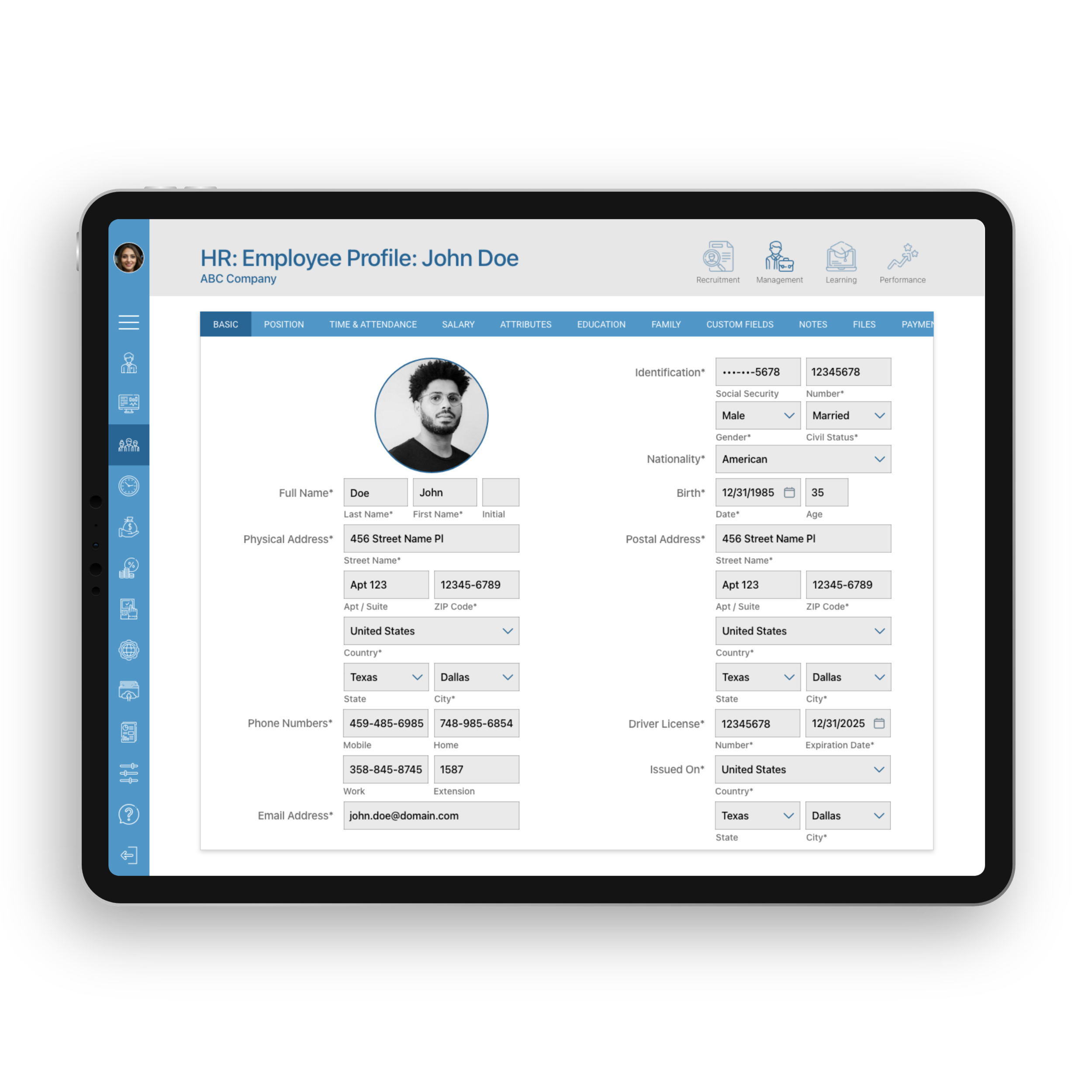
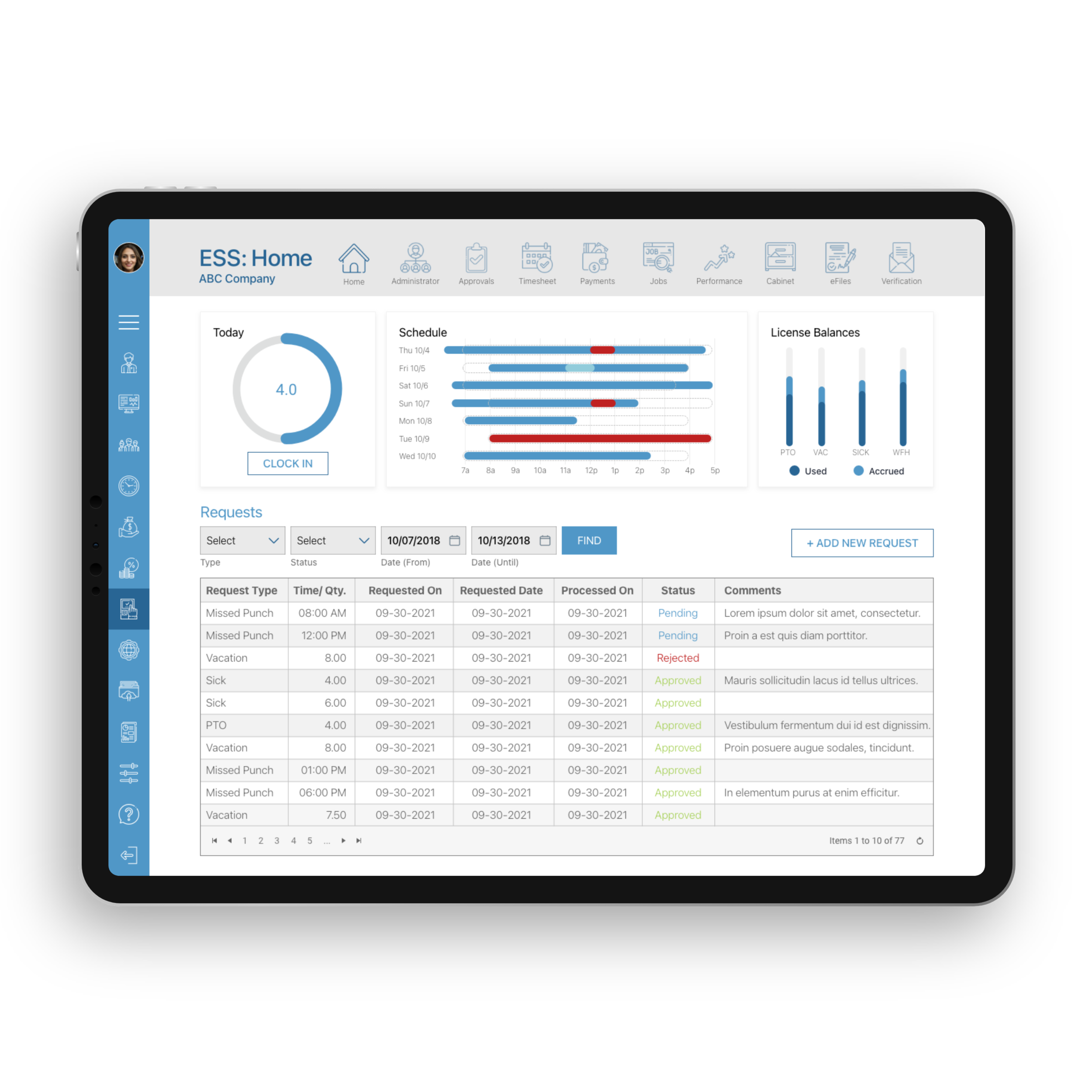
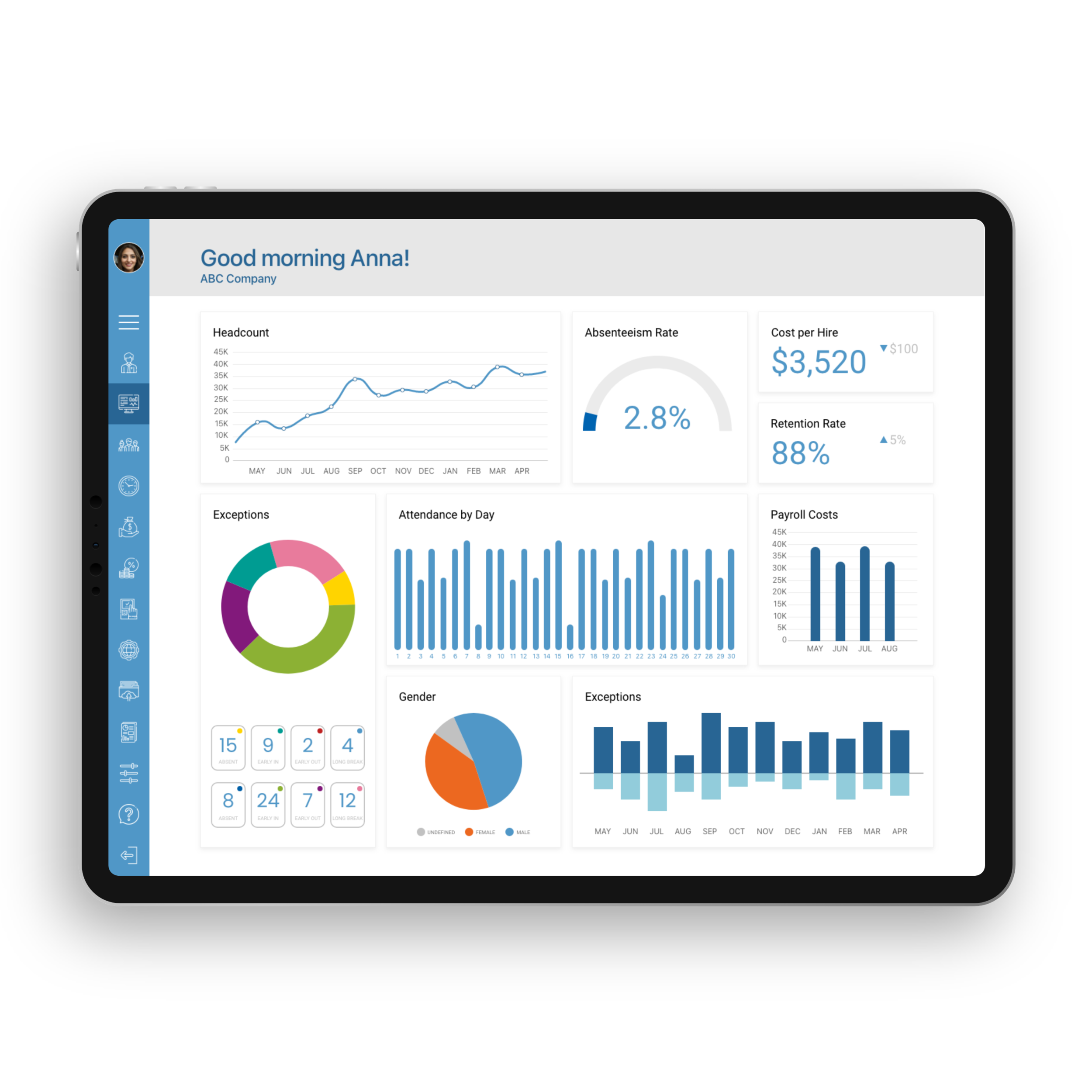
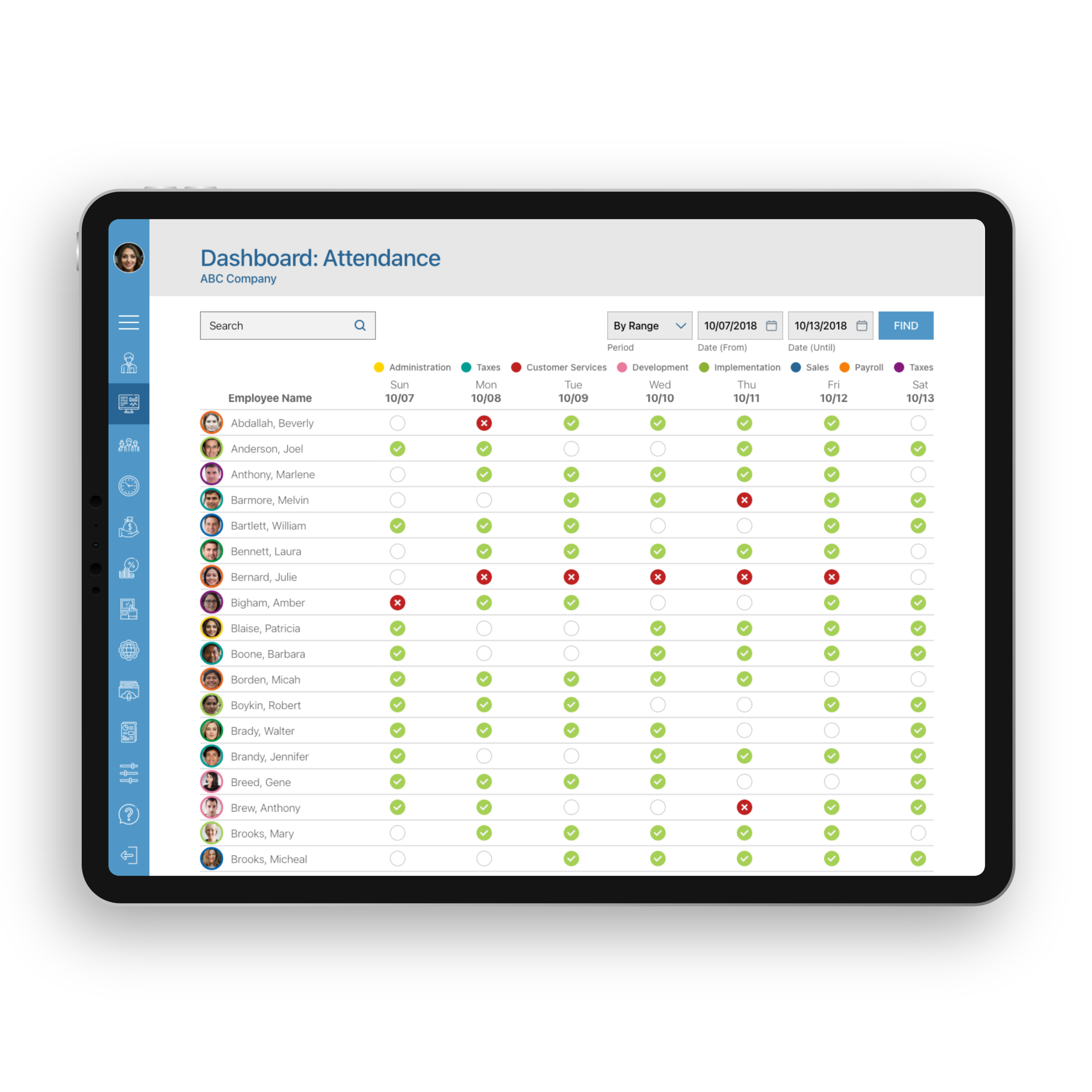
Tablet
on-the-go administrative tasks
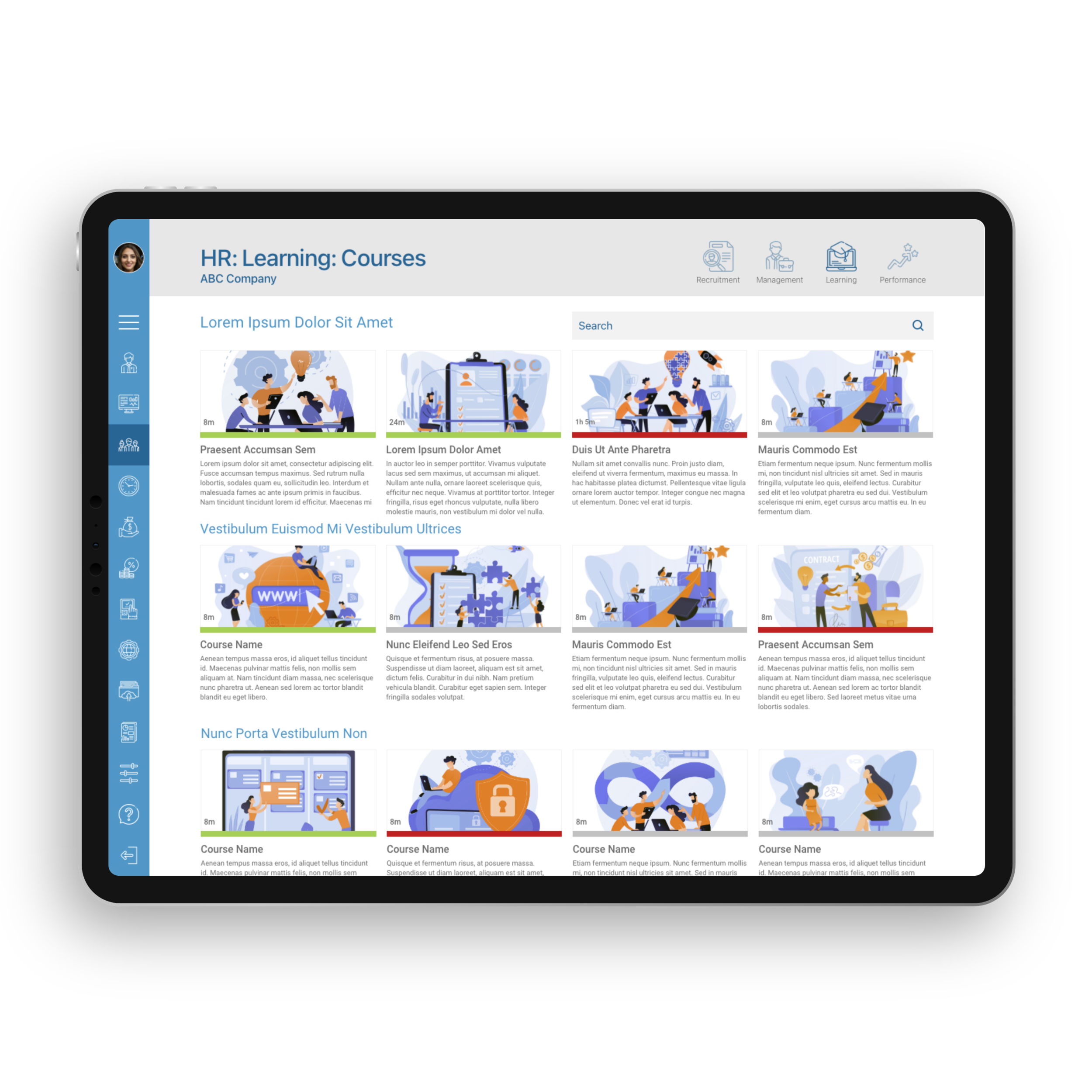
Mobile
info in the employee’ hands anytime
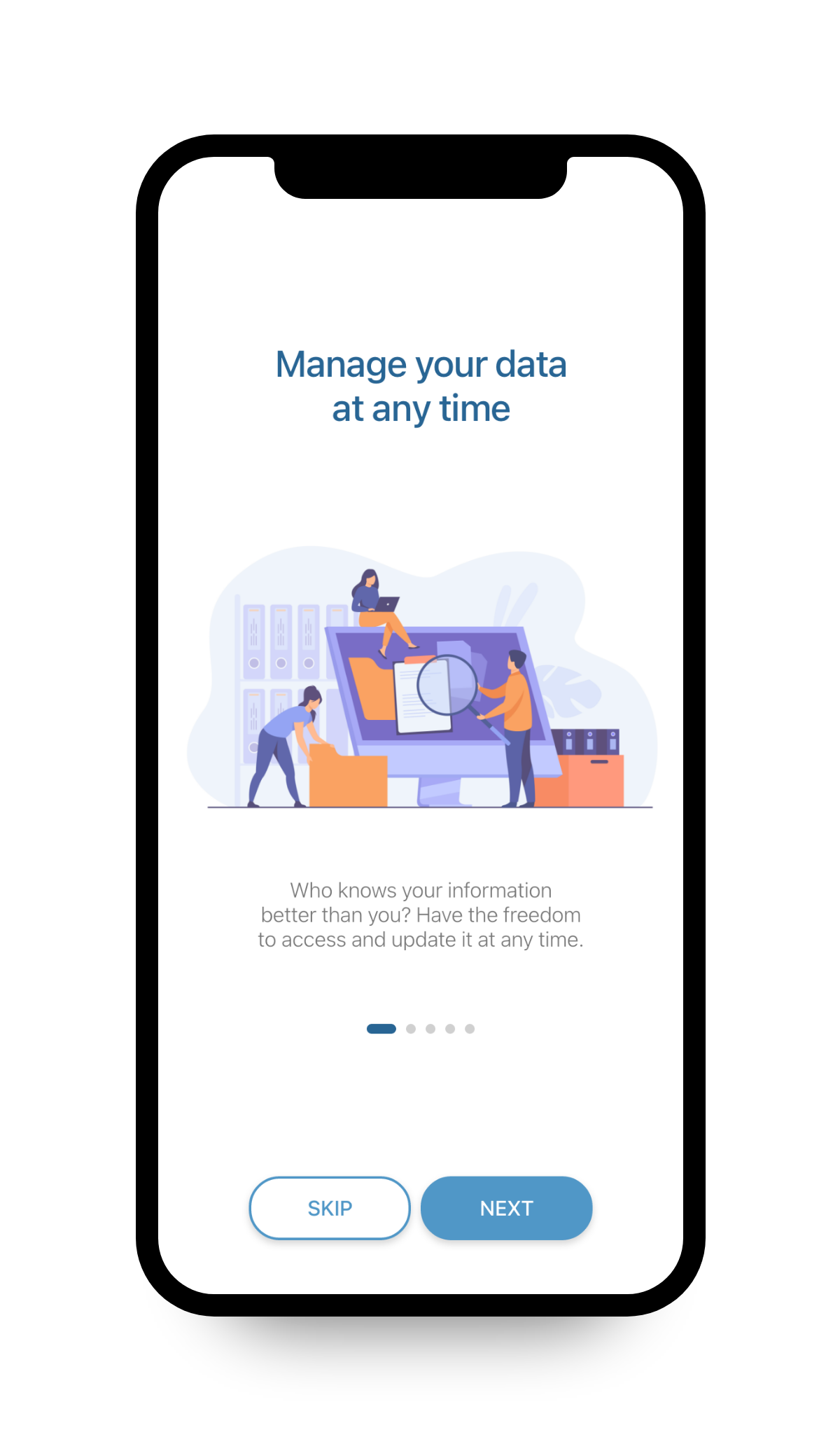
Onboarding
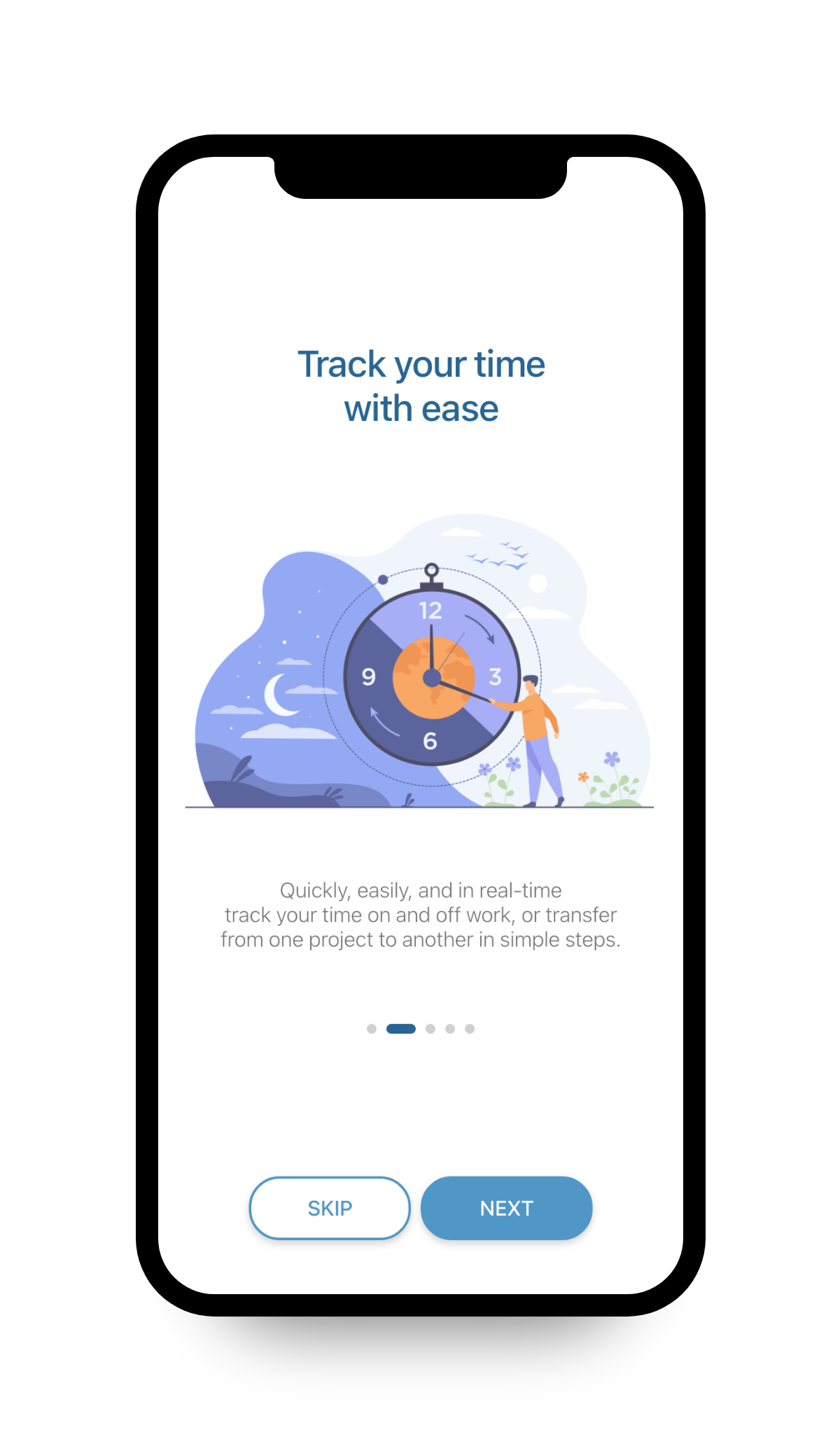
Onboarding
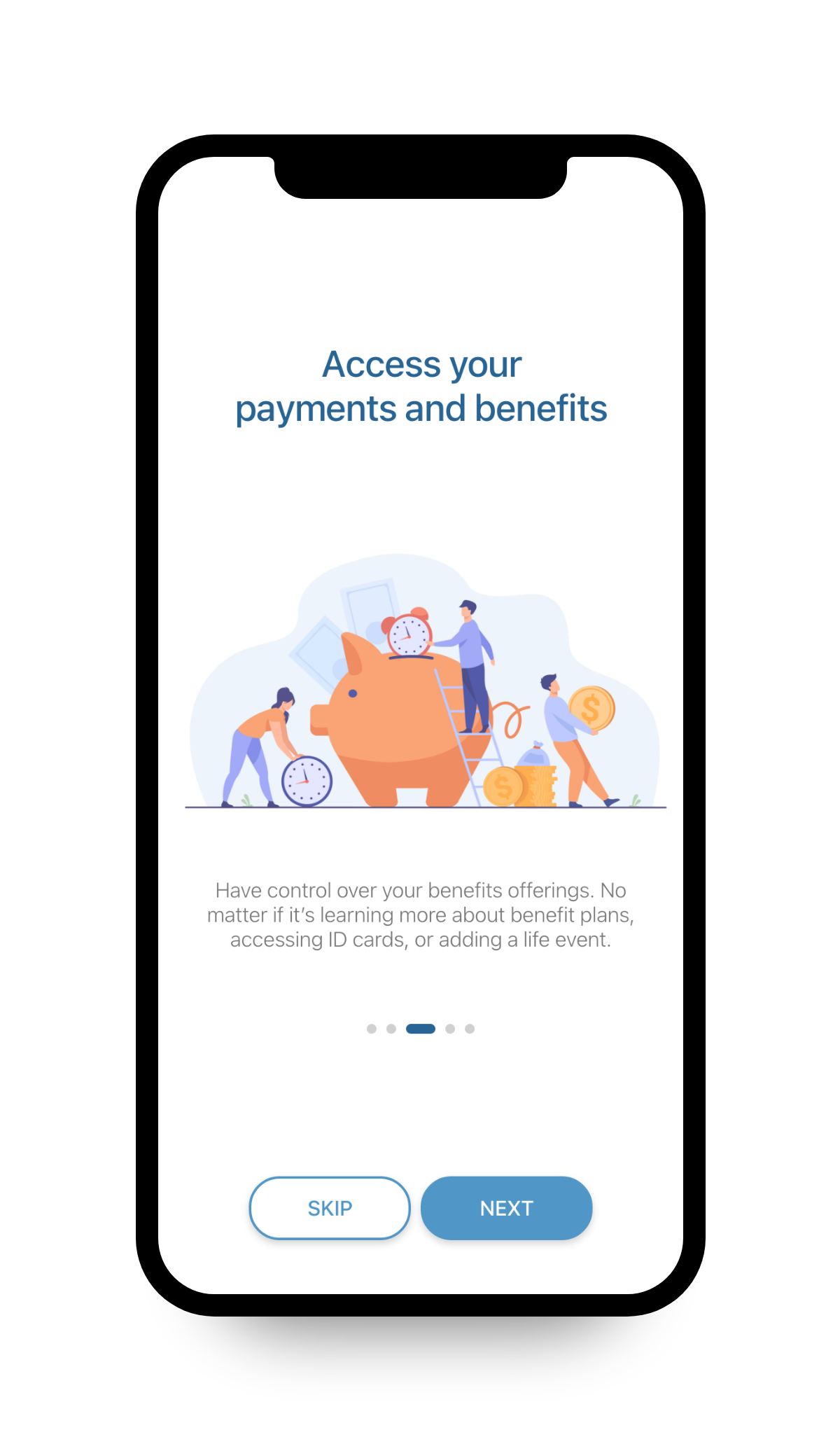
Onboarding
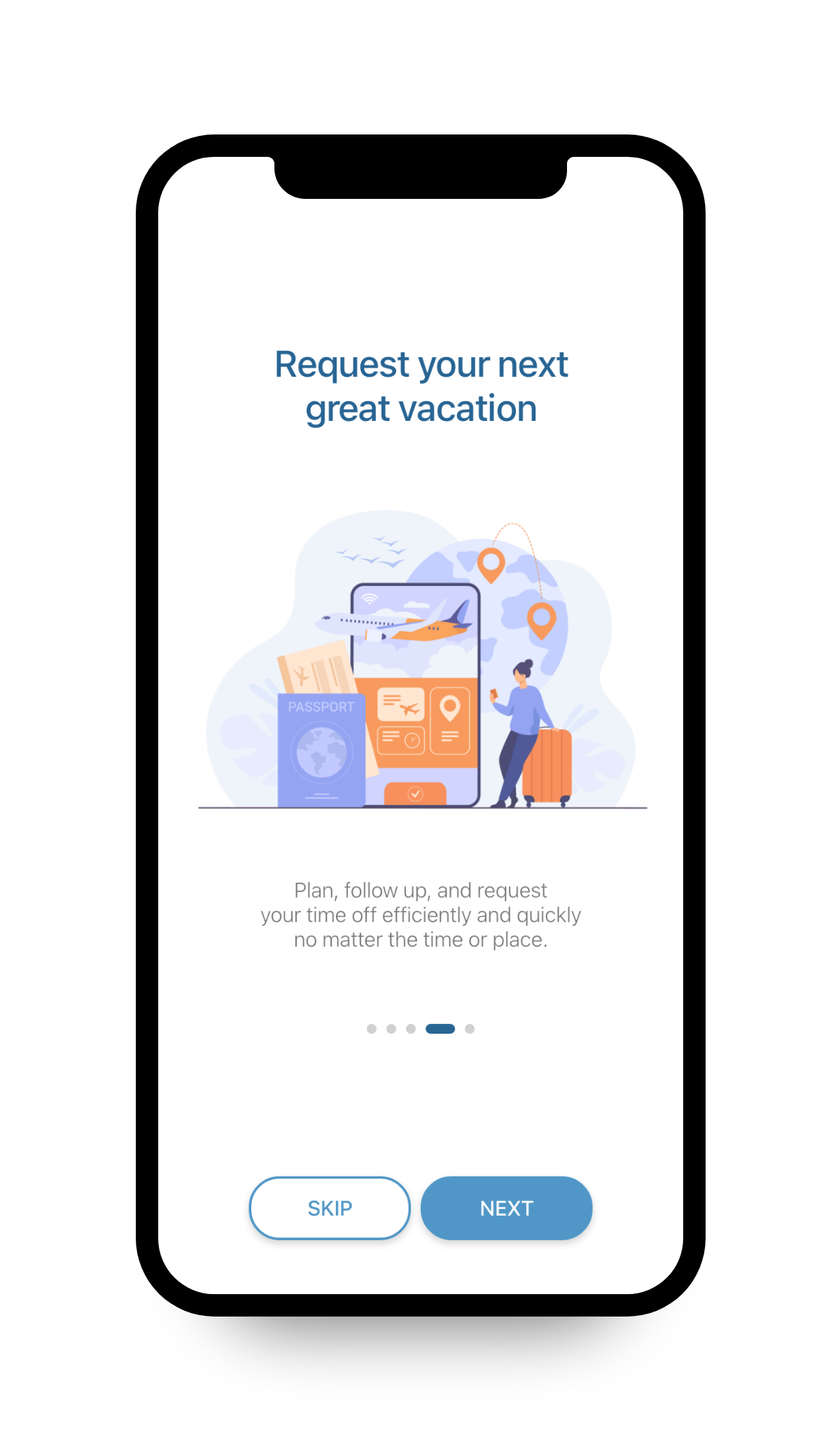
Onboarding
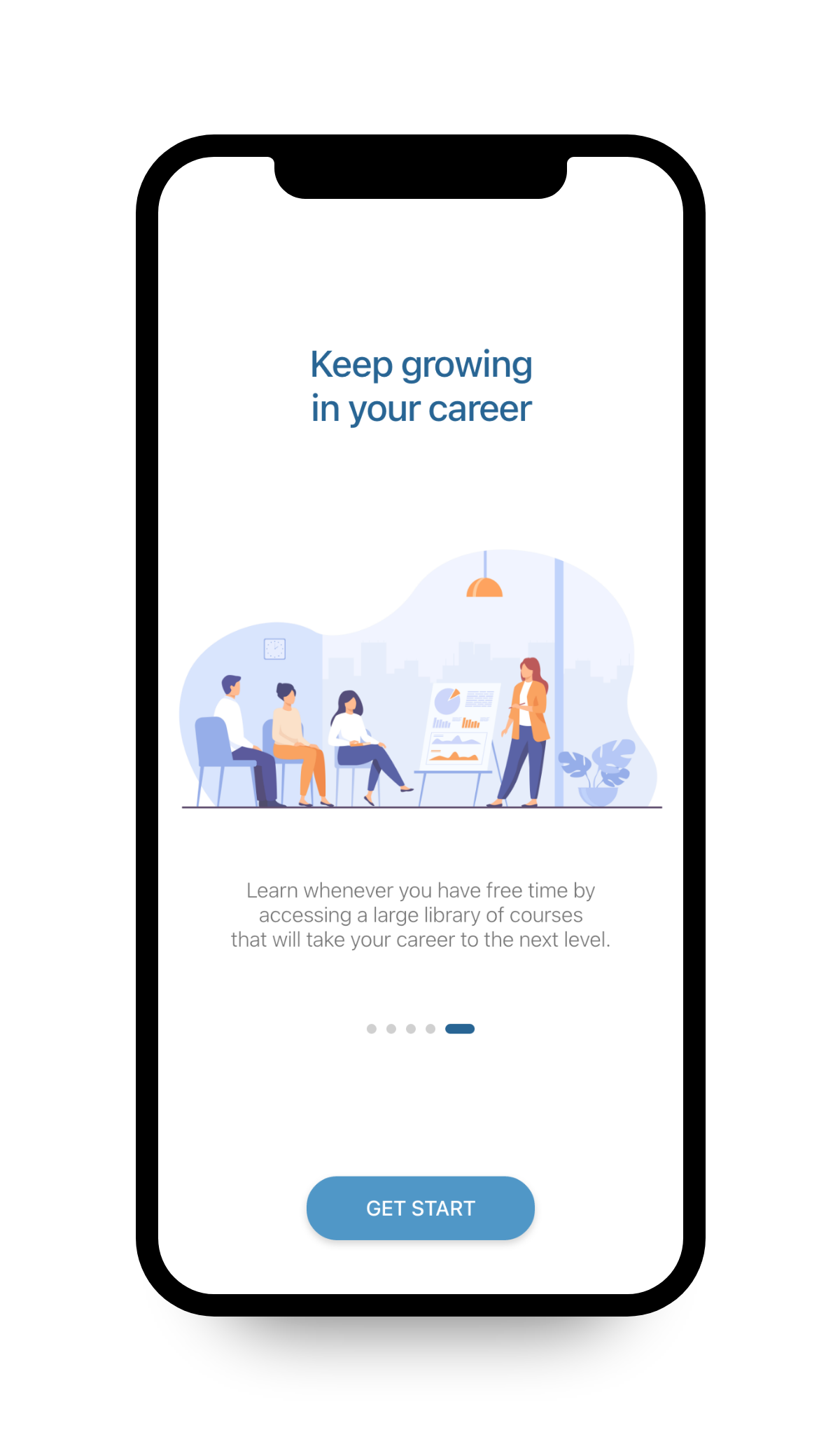
Onboarding
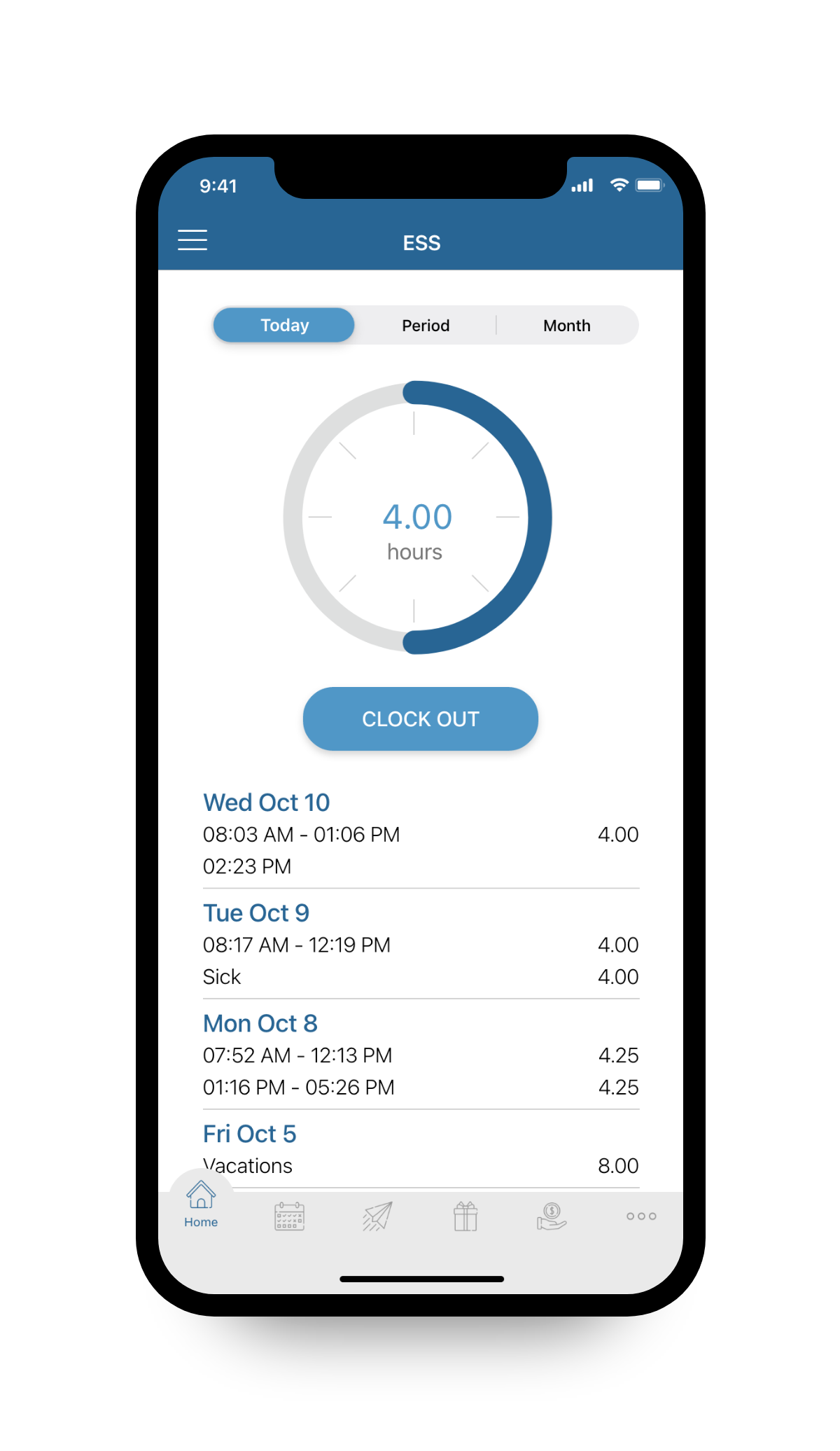
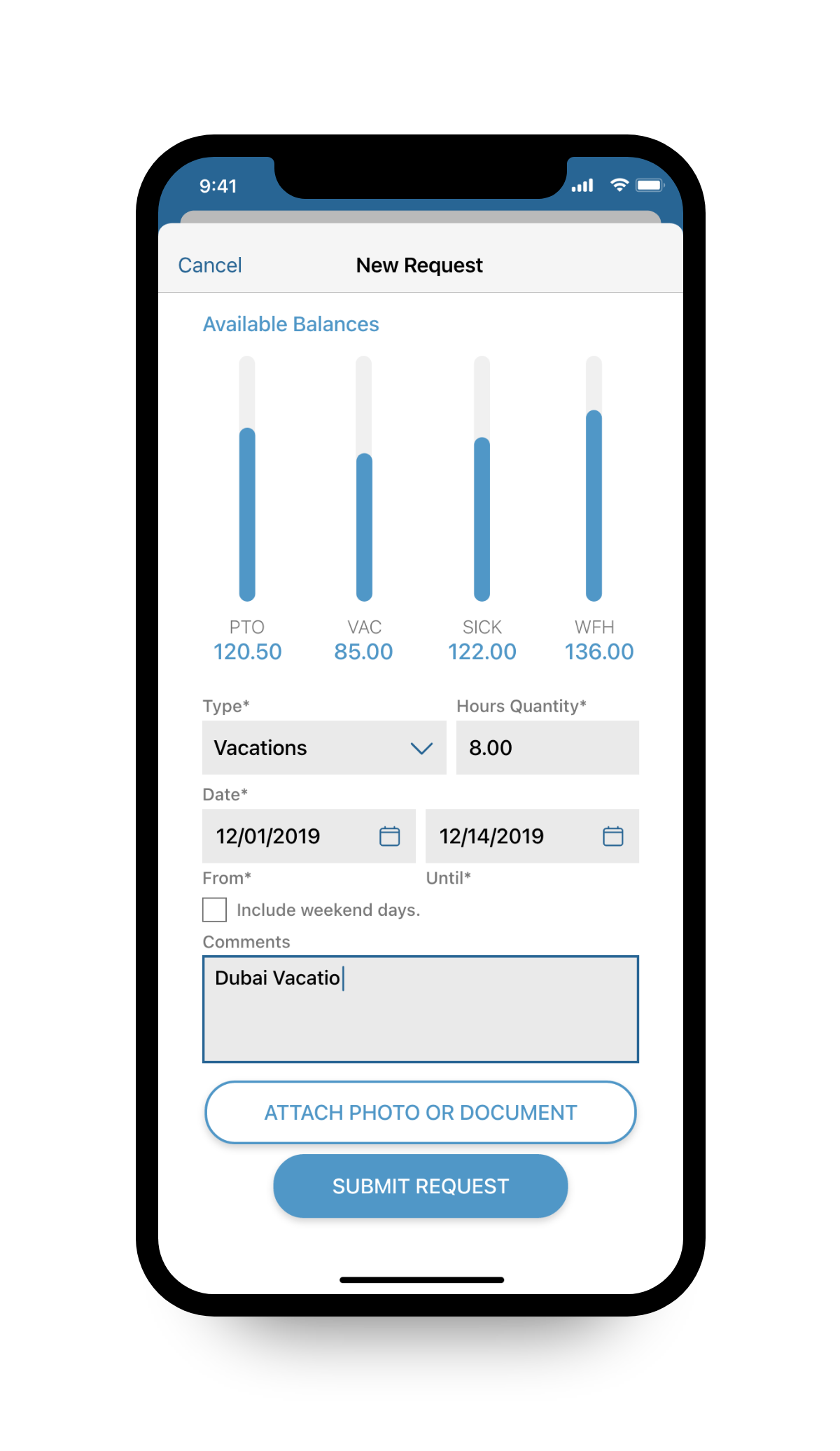
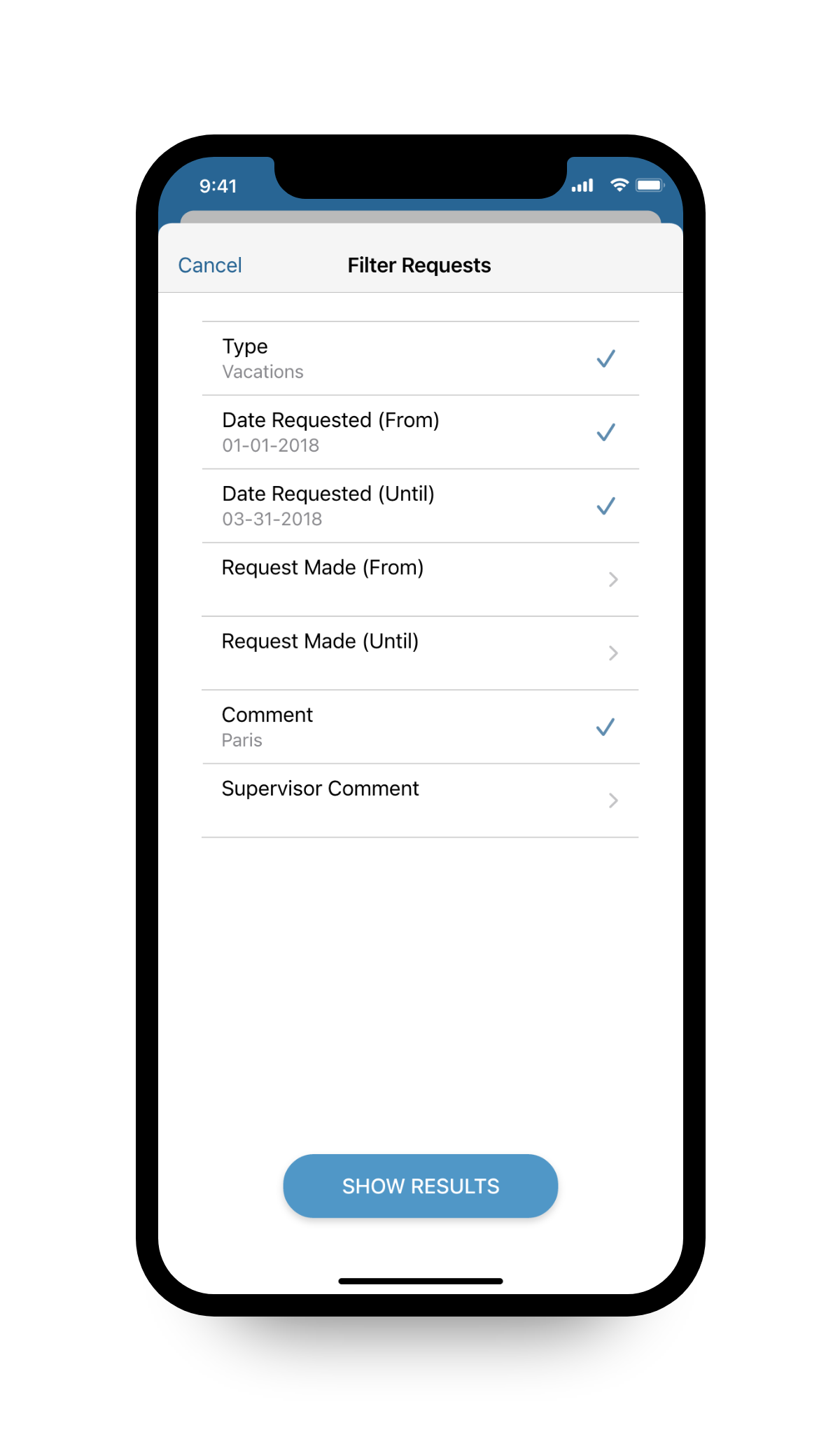
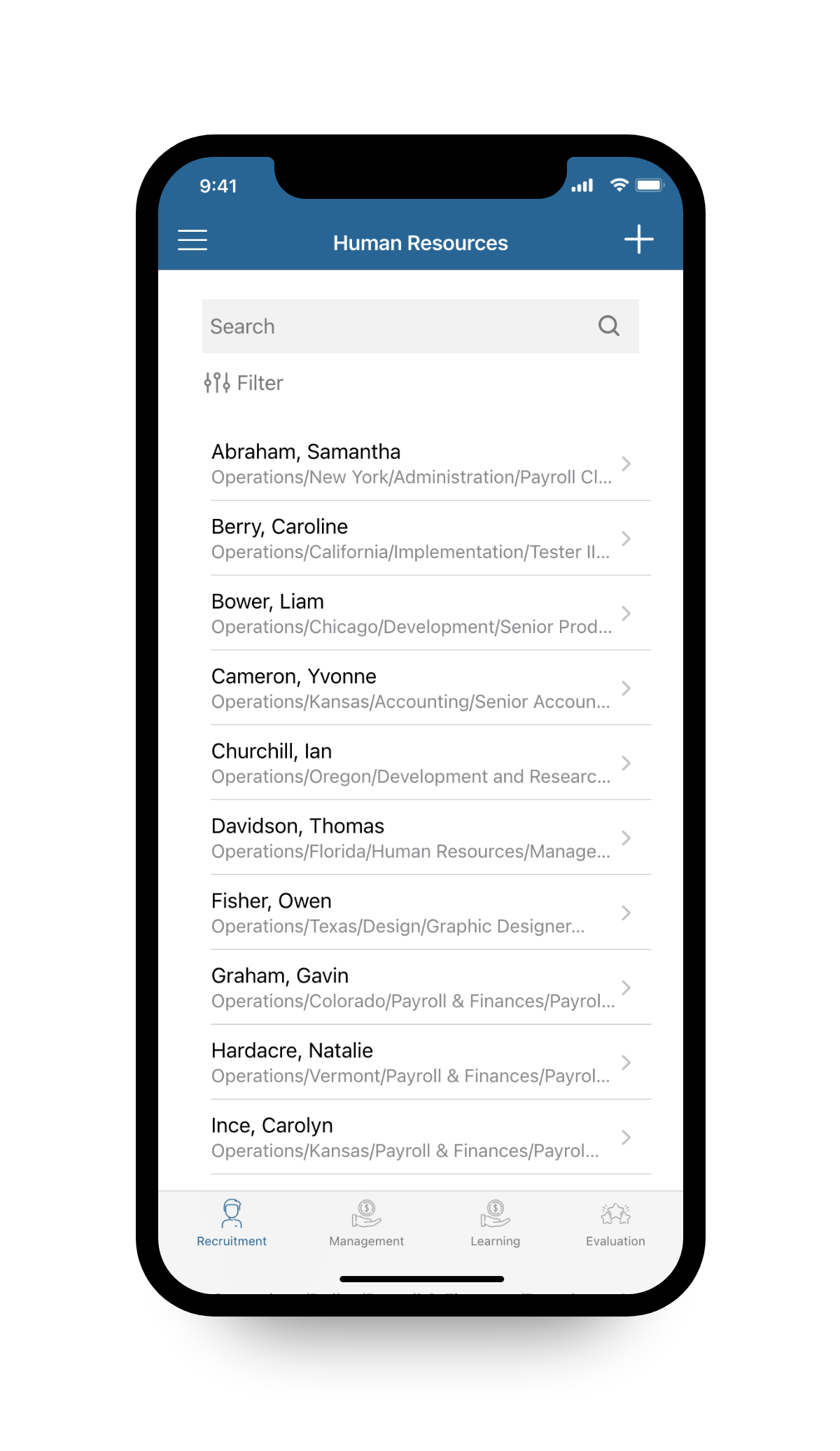
Employee Management Index
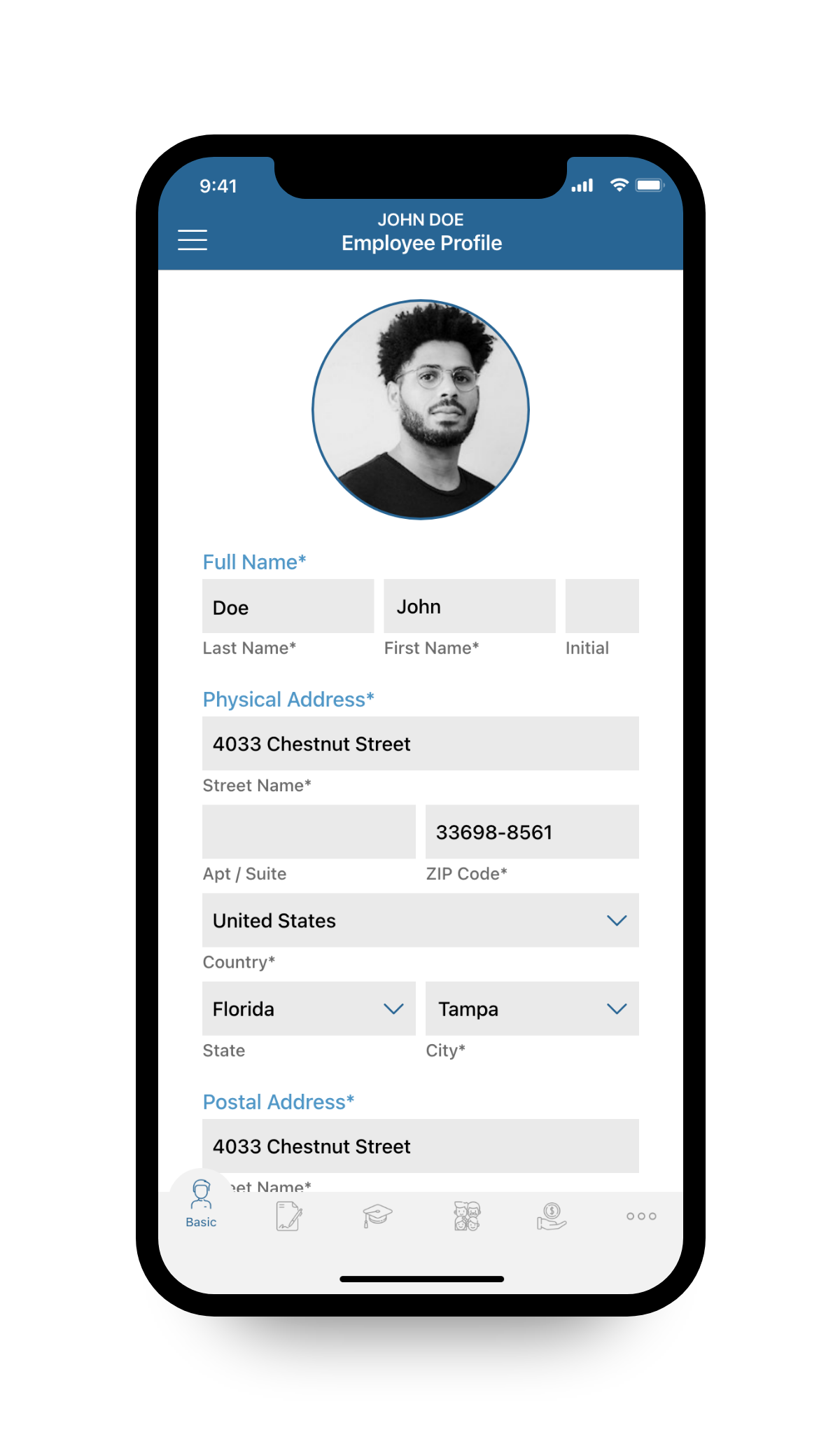
Employee Profile, Contact Information
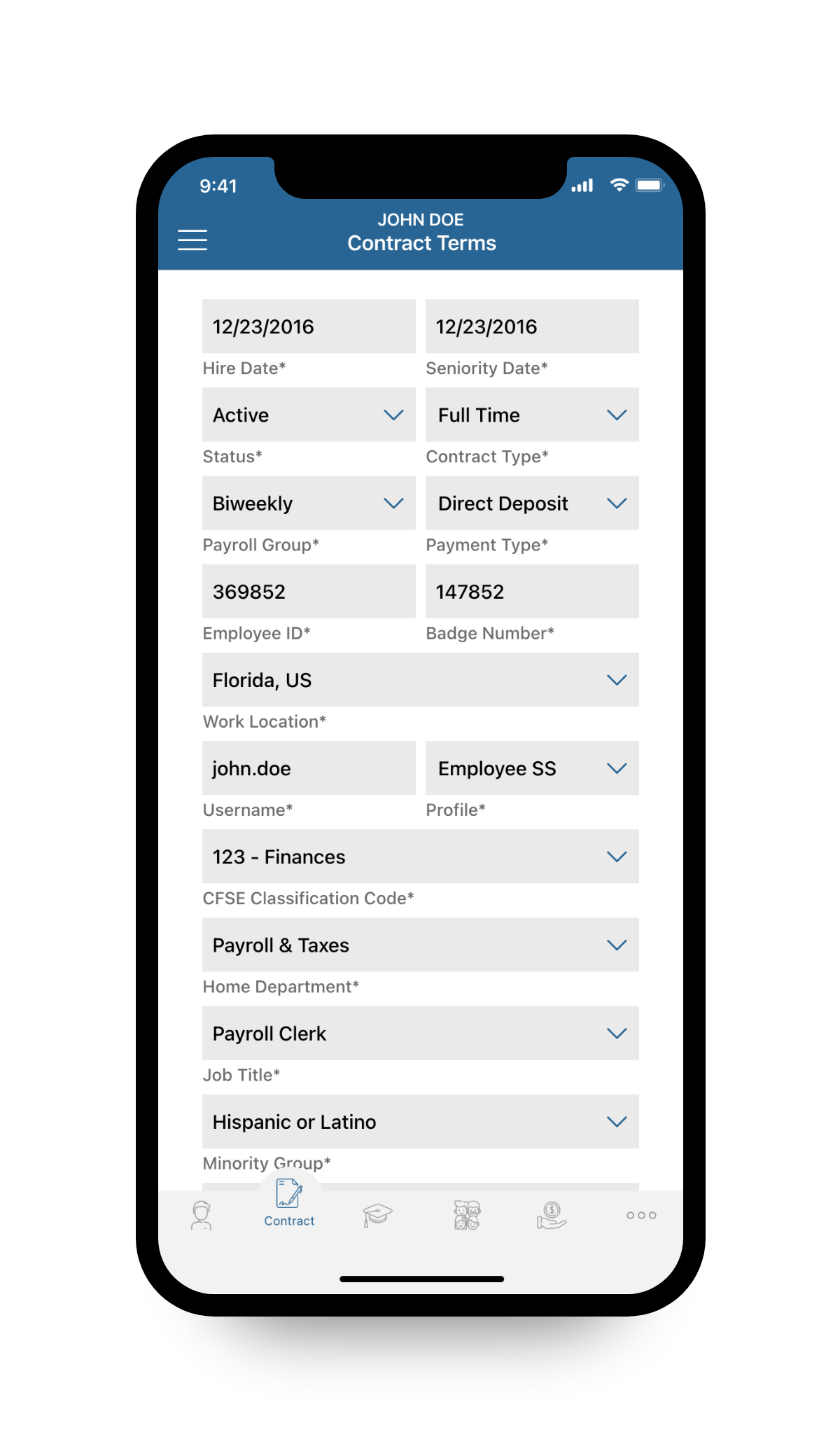
Employee Profile, Hiring Terms